
LumaFlow Kajabi Site Theme — Installation & Feature Guide
LumaFlow is a complete Kajabi website theme for yoga, mobility, wellness, coaching and membership brands. The package includes a conversion-focused home page, a 20-product member library, store, blog system, authentication pages, system pages, a long-form landing template and reusable editor sections.
Package contents
- Product file:
LumaFlow-Kajabi-Site-Theme.zip - Theme version: 1.0.0
- 16 selectable website page templates
- 16-section home page
- 18-section long-form landing page template
- Responsive header and full social footer
- Global typography, color, button, authentication and system-page settings
- Kajabi section/block editor integration with correct section and block IDs
- Reduced-motion support, keyboard labels and responsive layouts
Install the site theme
- 1Download
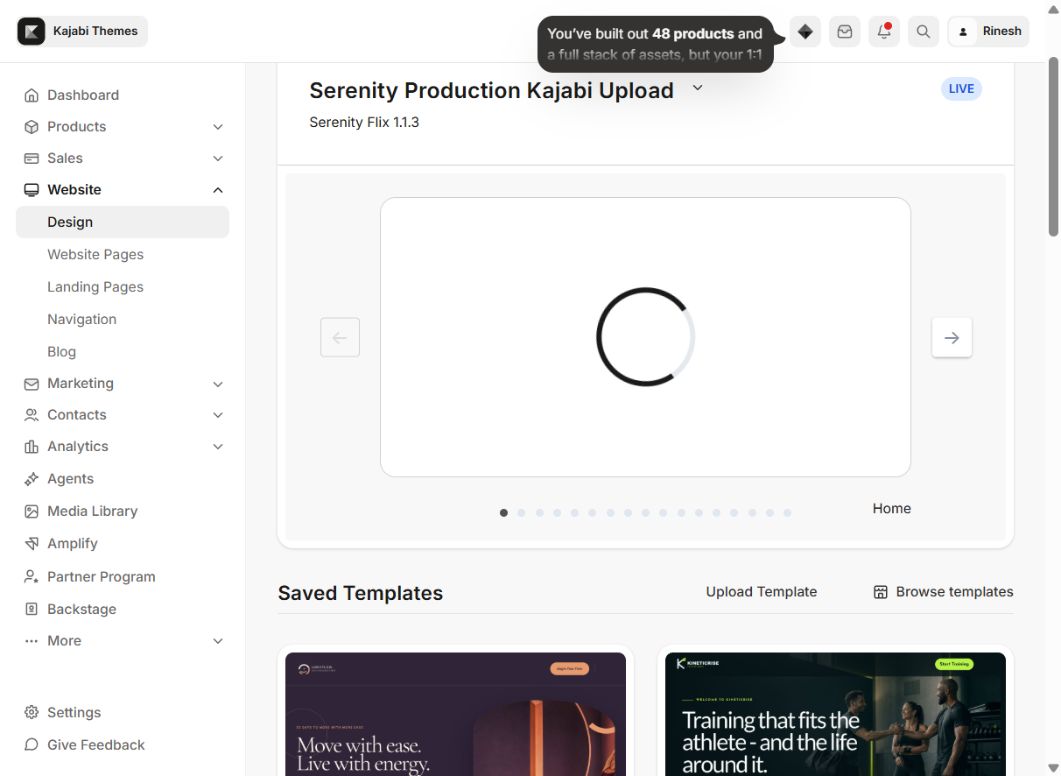
LumaFlow-Kajabi-Site-Theme.zip. Do not unzip it. - 2In Kajabi, open Website → Design.
- 3Scroll to Saved Templates and choose Upload Template.
- 4Upload the ZIP and wait until Luma Flow Kajabi Site Theme / LumaFlow Site 1.0.0 appears.
- 5Choose Preview first. Do not set the theme live until the setup checklist below is complete.
- 6Choose Customize to open the Kajabi editor.
First-time setup checklist
- 1Open Settings → Style Guide and set the brand colors, heading font, body font, font weights and desktop/mobile font sizes.
- 2Open Settings → Favicon and upload the site icon.
- 3Edit Header: upload the logo, choose the navigation menu, update the CTA and confirm the member dropdown.
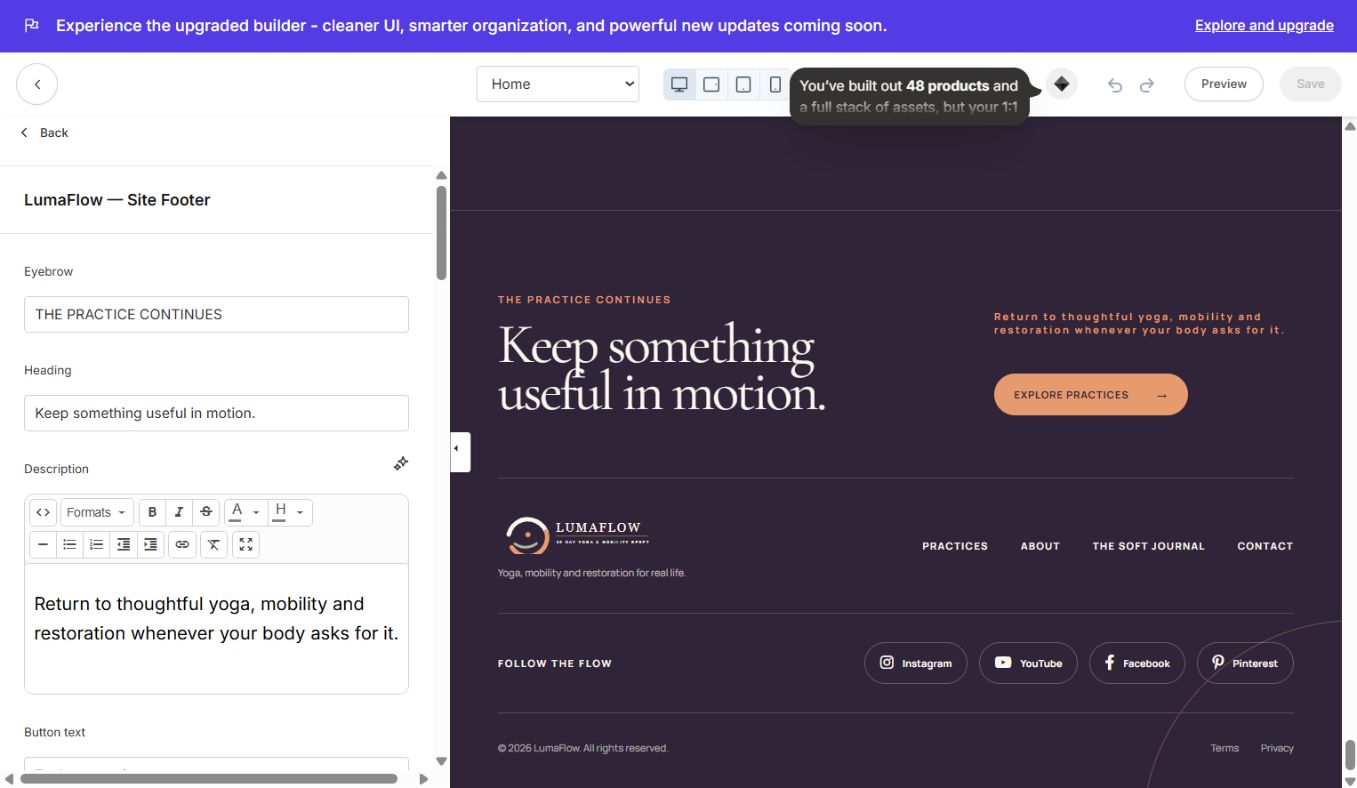
- 4Edit LumaFlow — Site Footer: replace footer links, legal links and social URLs.
- 5Open every page from the page selector and replace demo copy, images and links.
- 6Select a real Kajabi form in every newsletter/contact section.
- 7Connect offer buttons to real Kajabi Offers, checkout URLs or site pages.
- 8Test desktop, tablet and mobile previews.
- 9Return to Website → Design and choose Set to live template only after testing.
Global theme settings
The Settings tab controls the whole theme. Changes are shared across the included pages, so buyers can rebrand the complete site without editing code.
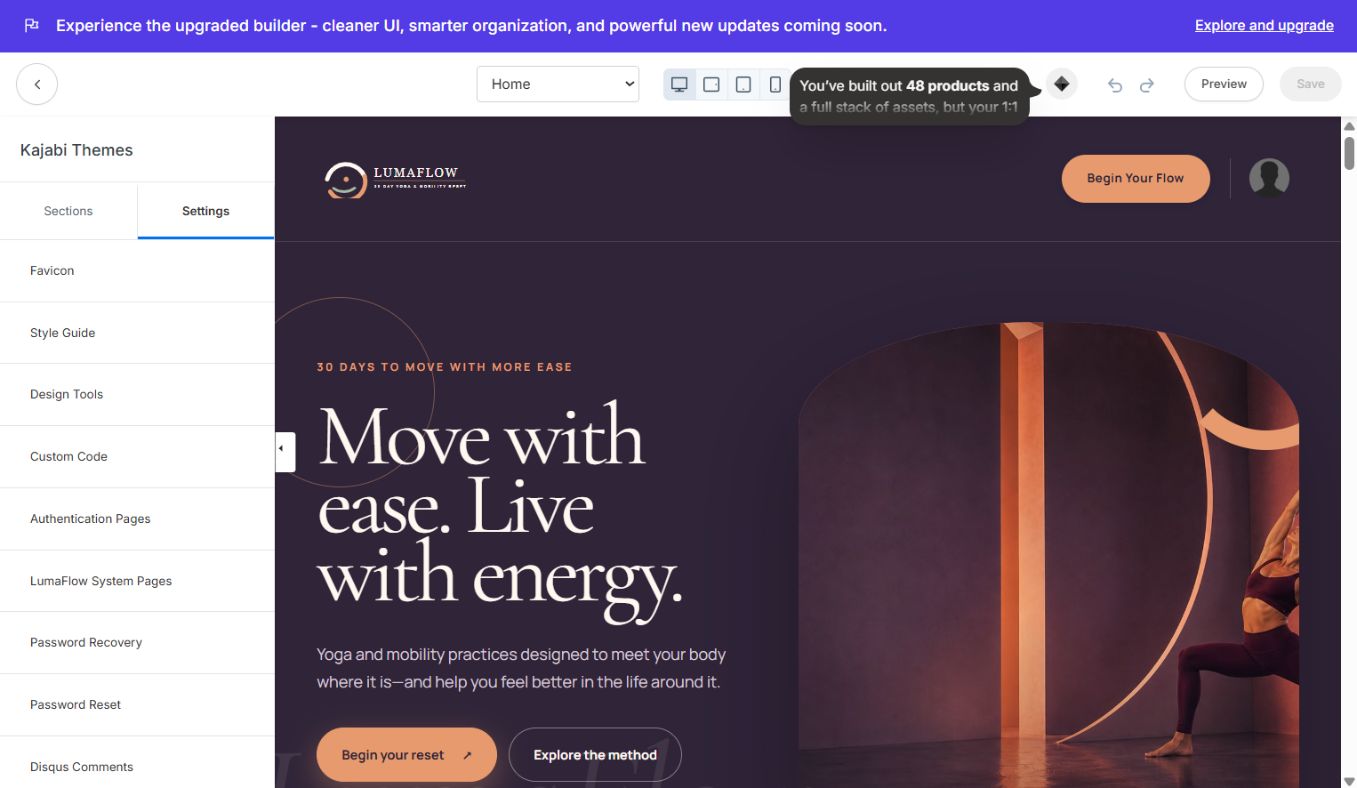
- Favicon: browser-tab icon.
- Style Guide: primary color, page/background colors, heading/body colors, heading and body font families, weights, line heights, and separate desktop/mobile type sizes.
- Design Tools: editing guides and layout helpers.
- Custom Code: optional CSS and JavaScript overrides.
- Authentication Pages: logo, image, headline, labels, card sizing, colors, help link, create-account link and mobile behavior.
- LumaFlow System Pages: shared colors and dimensions for member/system views.
- Password Recovery / Reset: labels, button copy and supporting text.
- Disqus Comments: optional blog comments.
- Disabled Pages: Member Directory and Announcements availability.
Header and footer
The header includes a logo, optional menu, CTA, Kajabi member avatar/dropdown and mobile navigation. Sticky behavior is available in the Header settings and is off by default. The CTA, dropdown and menu use Kajabi-native links.
The custom footer includes a heading, supporting copy, CTA, four navigation links, Instagram, YouTube, Facebook and Pinterest links, copyright, Terms and Privacy. Kajabi's “Powered by Kajabi” line is hidden by default and can be enabled from footer settings.
All included page templates
Use the page selector at the top of the Kajabi editor to switch templates. Each screenshot below shows the selected template inside the LumaFlow saved theme—not the currently active site theme.
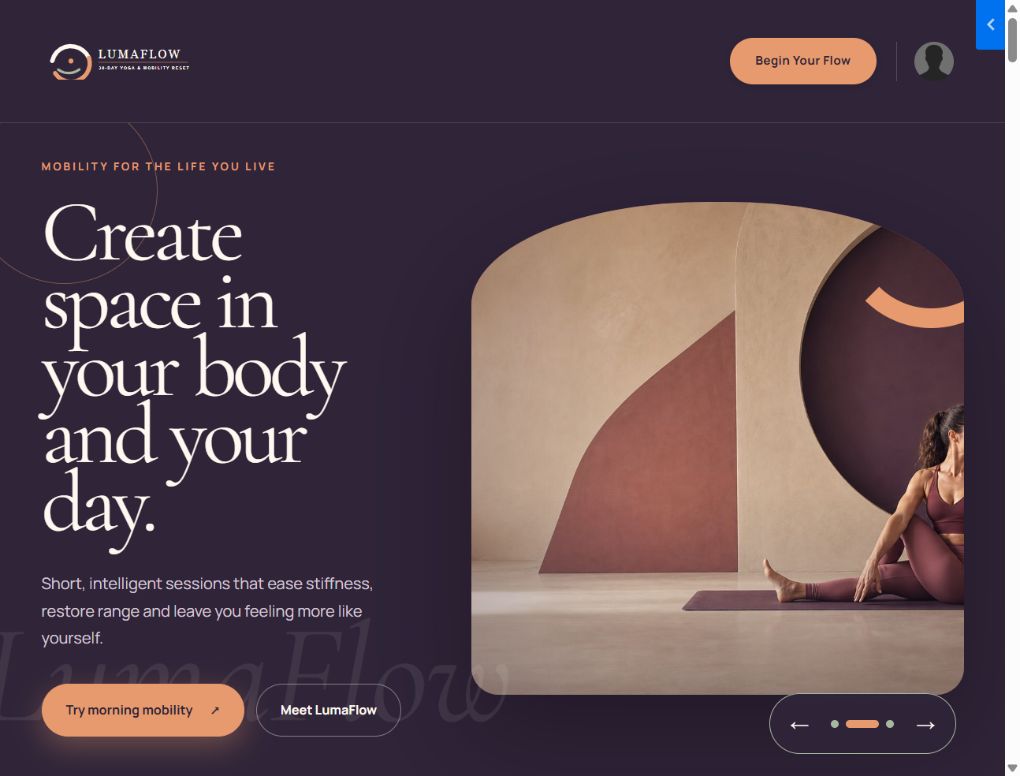
### Home
Editorial 16-section home page with animated slider, practice finder, programs, brand story, instructor, proof, testimonials, pricing, journal, form and social footer.
### Library
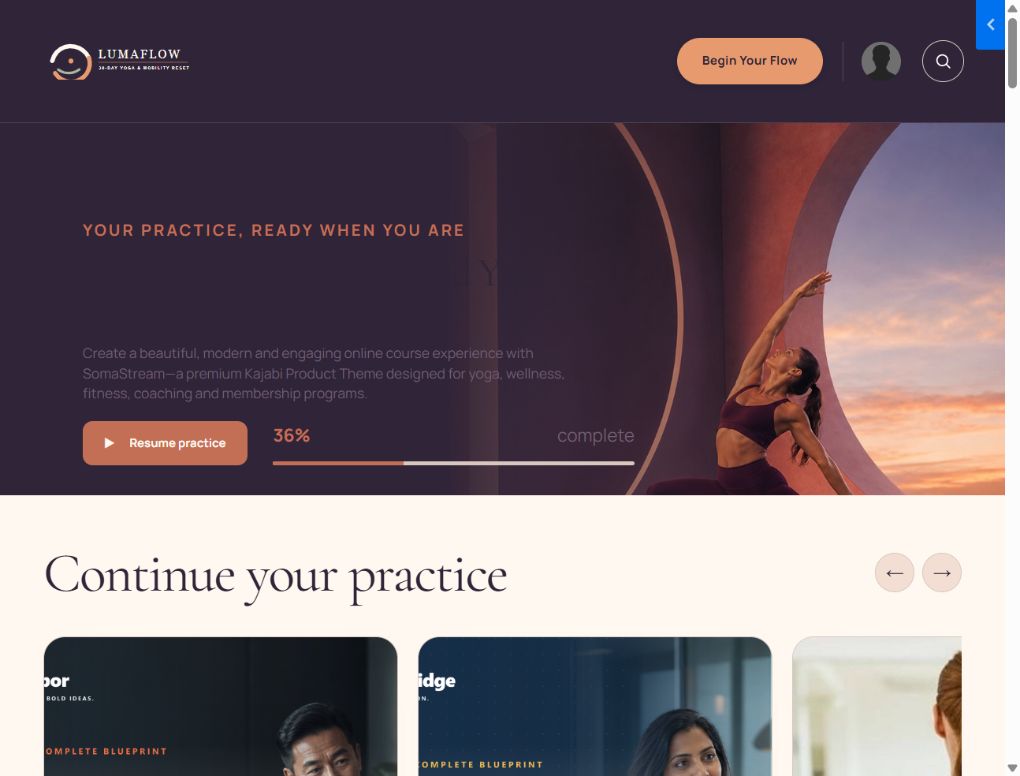
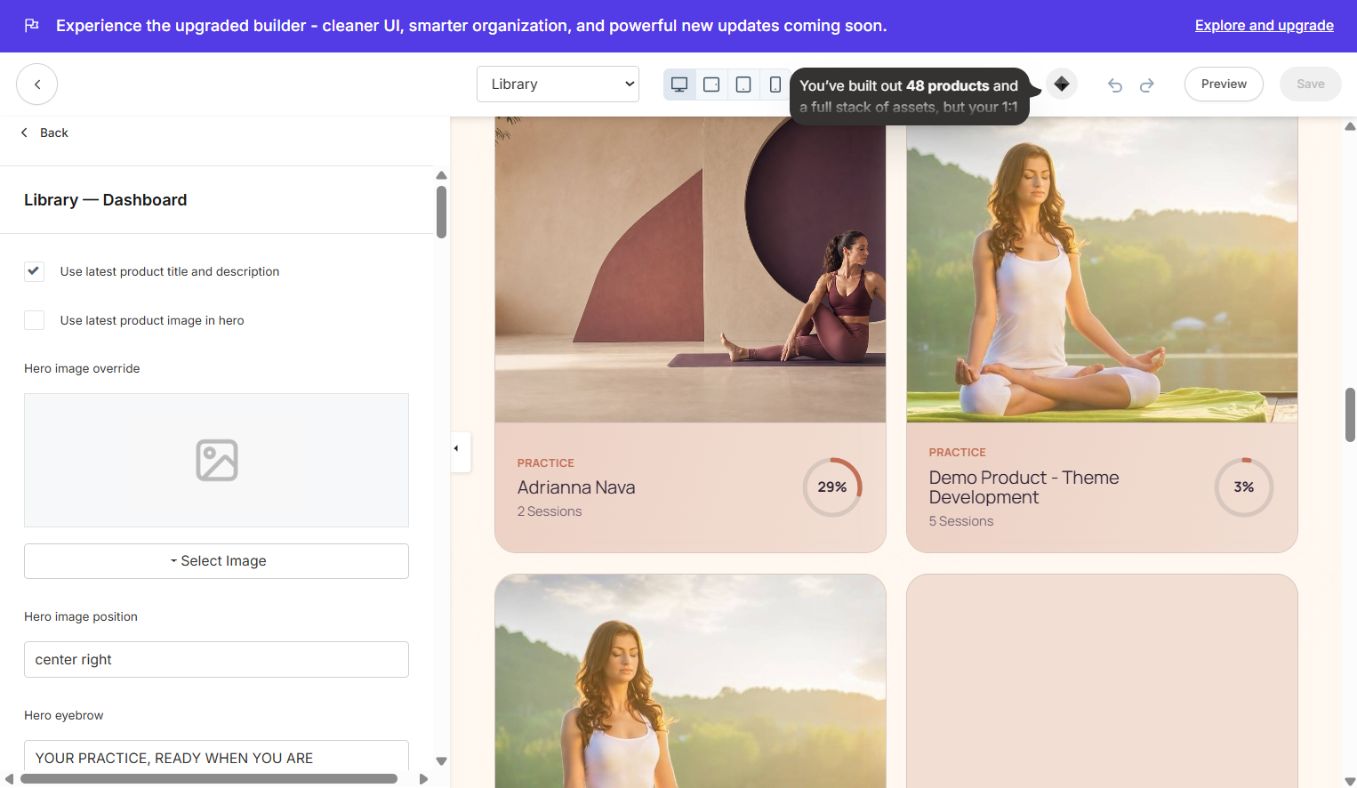
Member dashboard with a compact banner, search, “Continue your practice” carousel, progress states and a 20-products-per-page library. The continue section is hidden when a first-time member has no progress. Product cards use image-led styling and hover movement.
### Member Directory
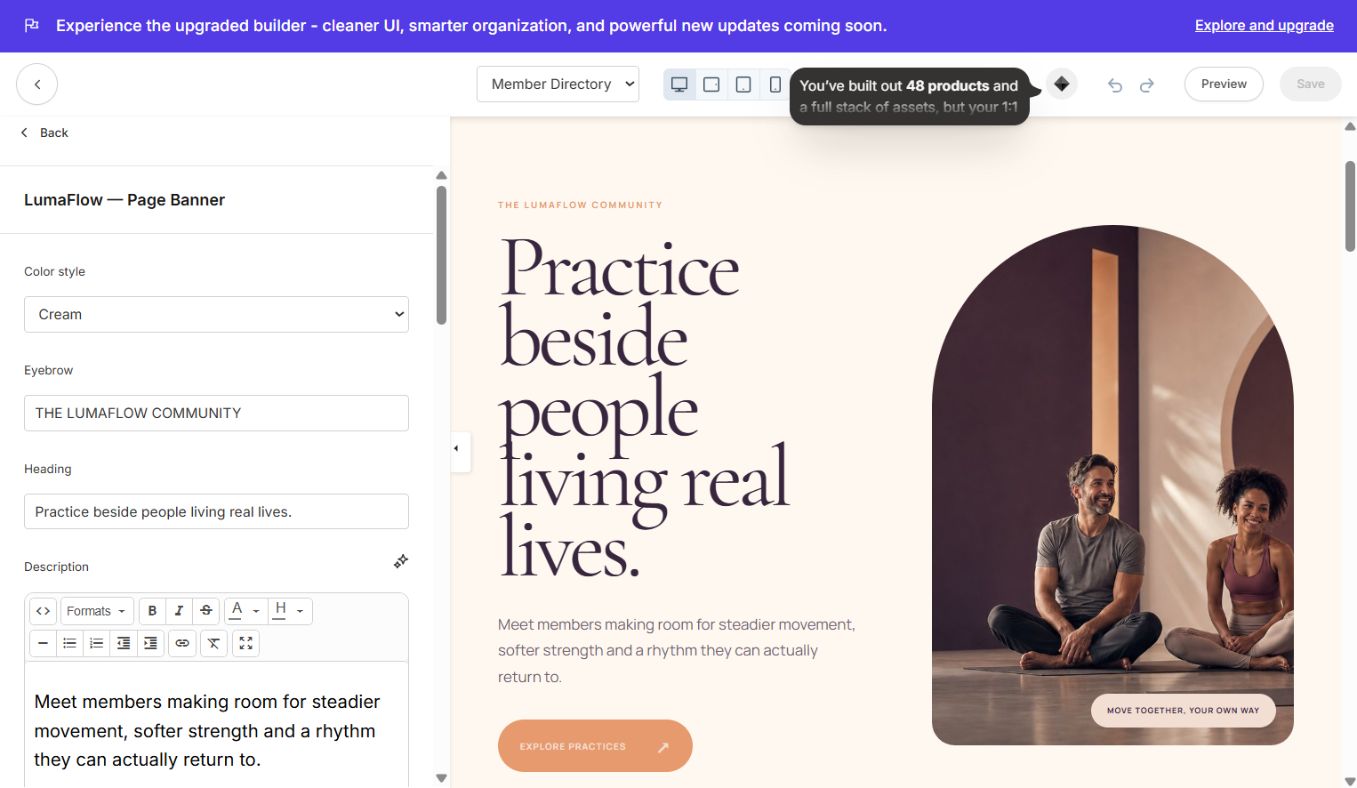
Branded community introduction, Kajabi member directory and shared social footer.
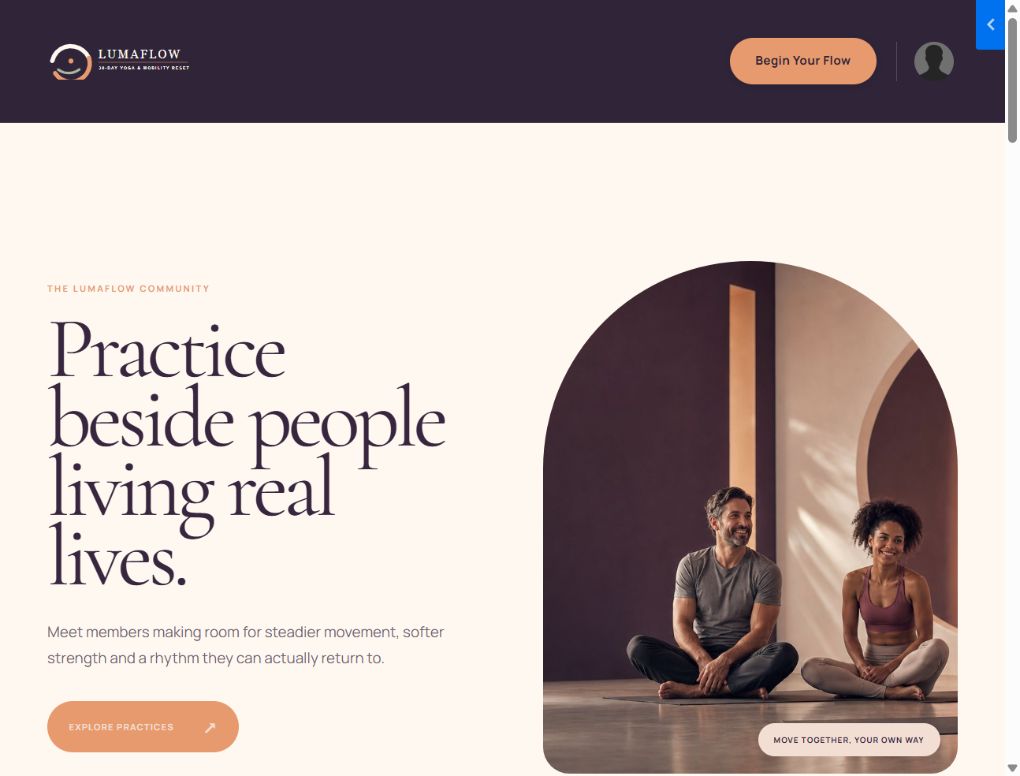
### Announcements
Branded page banner, native Kajabi announcements feed and shared footer.
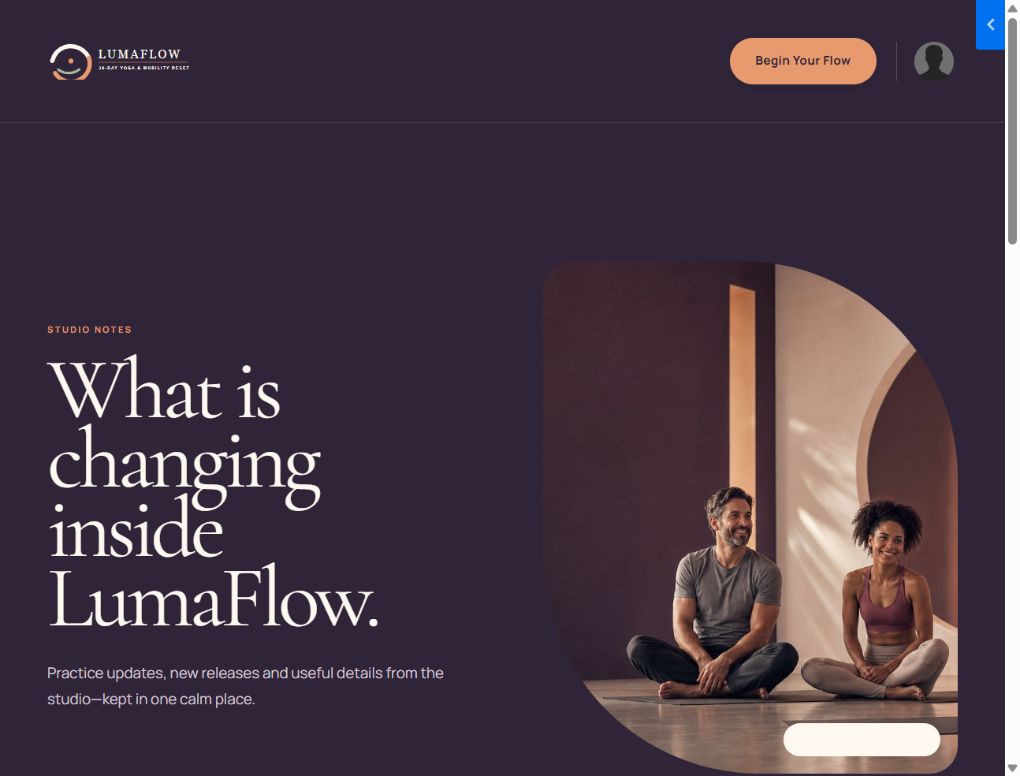
### Blog
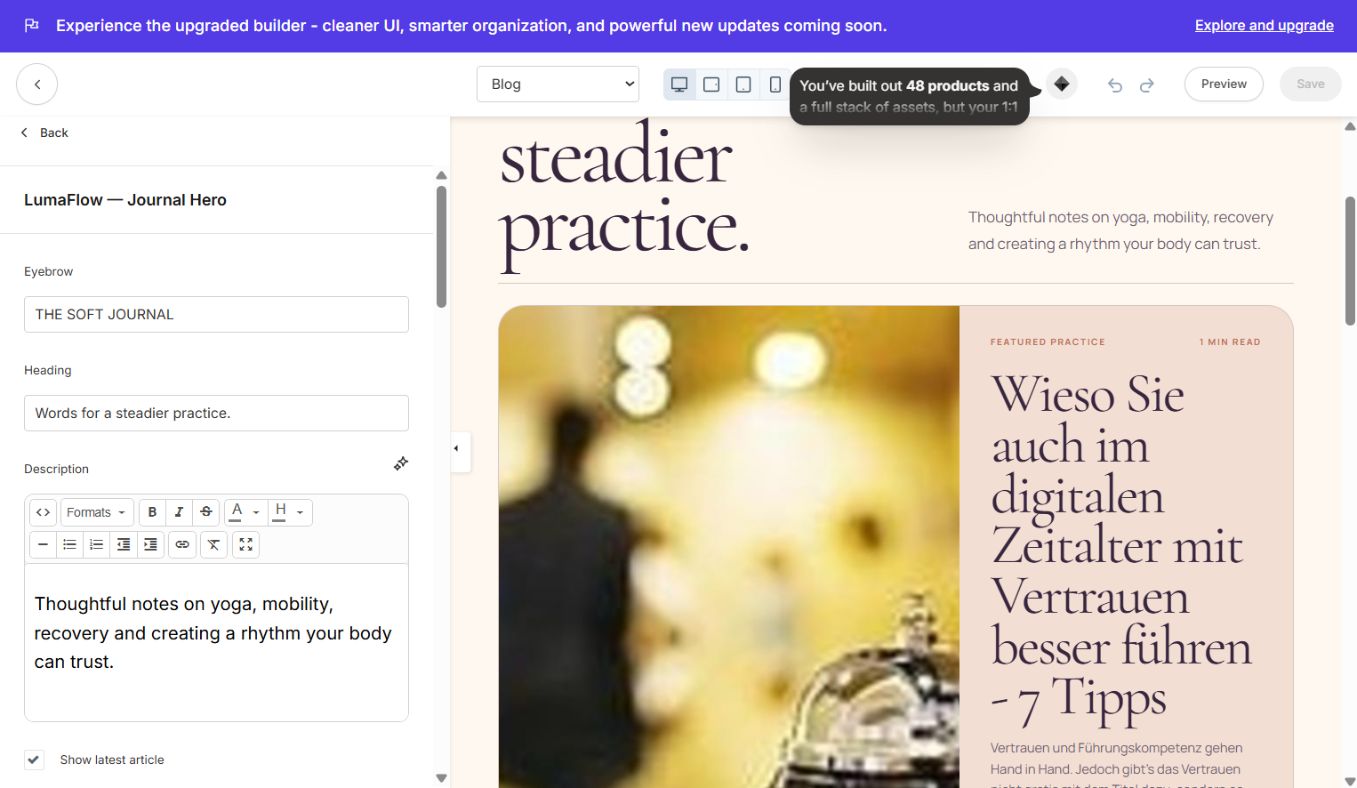
The Soft Journal index with editorial hero, featured article, article grid, newsletter form and footer.
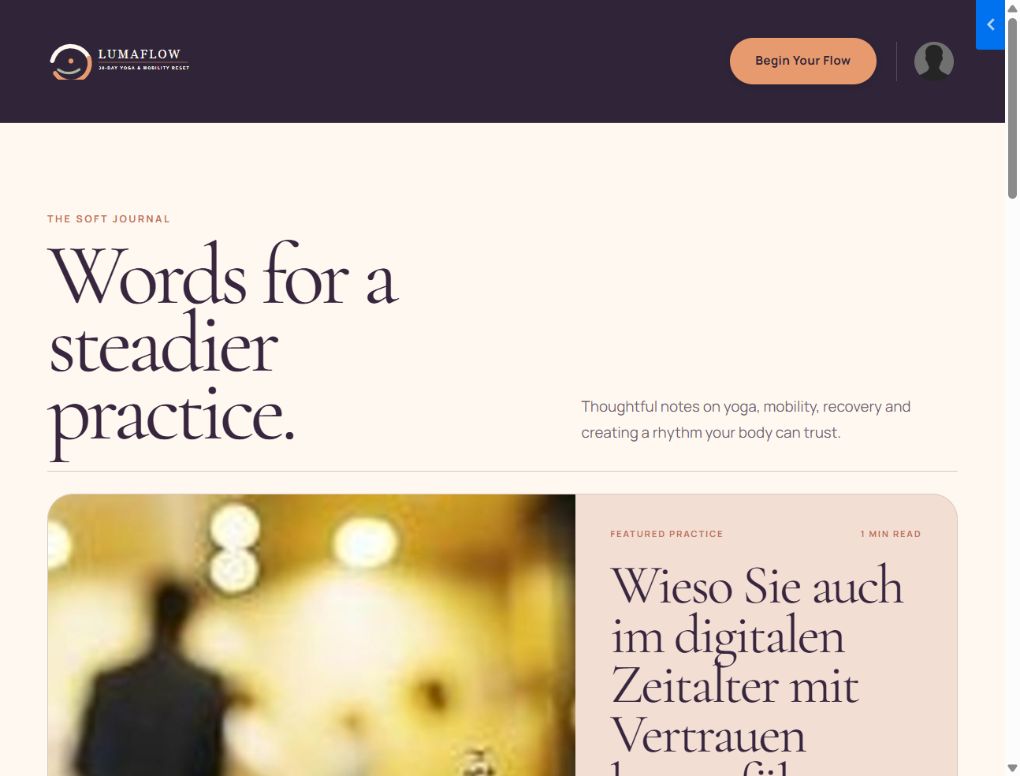
### Blog Post
Single-article layout with title, metadata, featured image, article body, share links, author card, related guidance, newsletter and footer.
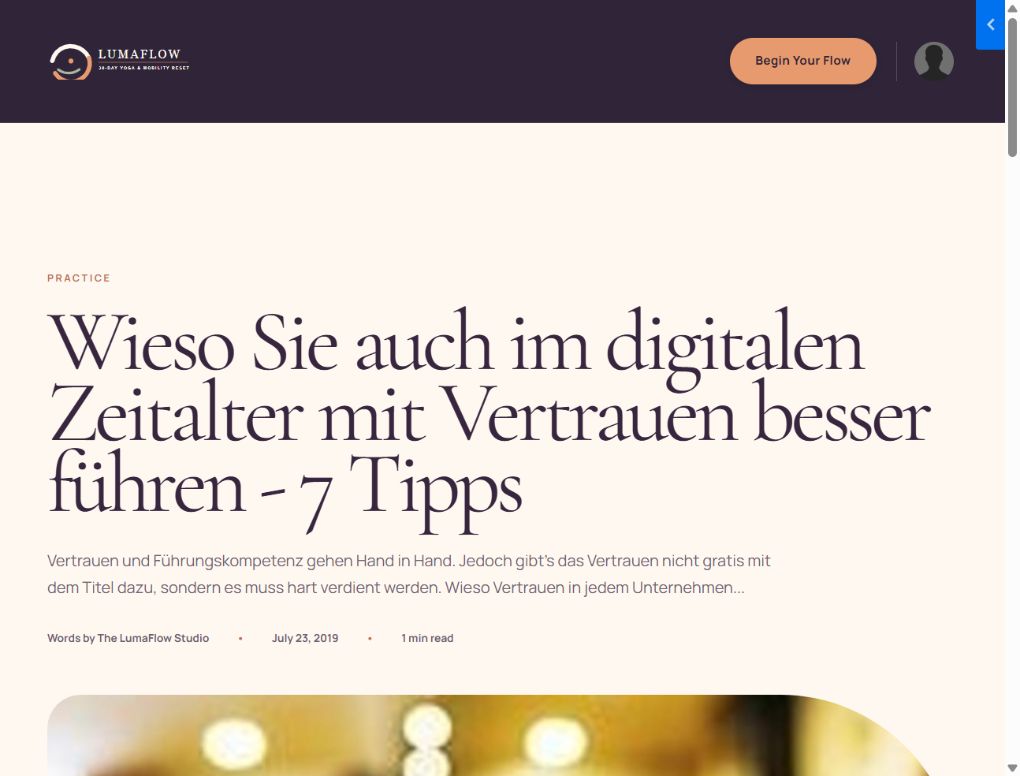
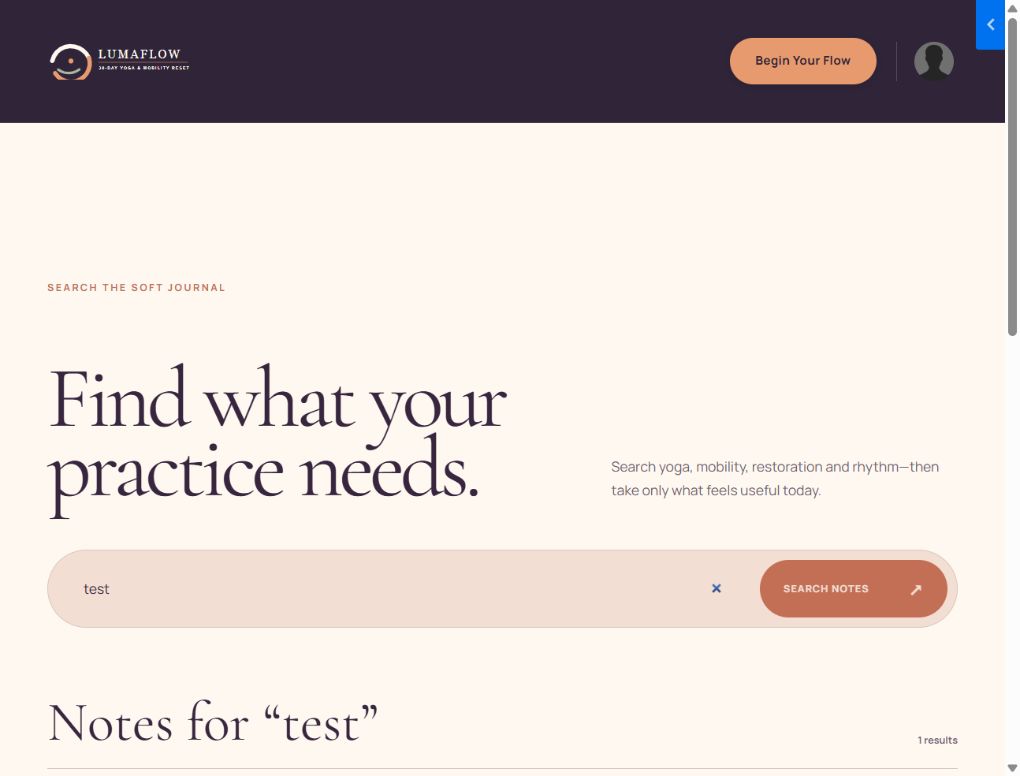
### Blog Search
Search input and dynamic Kajabi blog-result cards, including empty-state support.
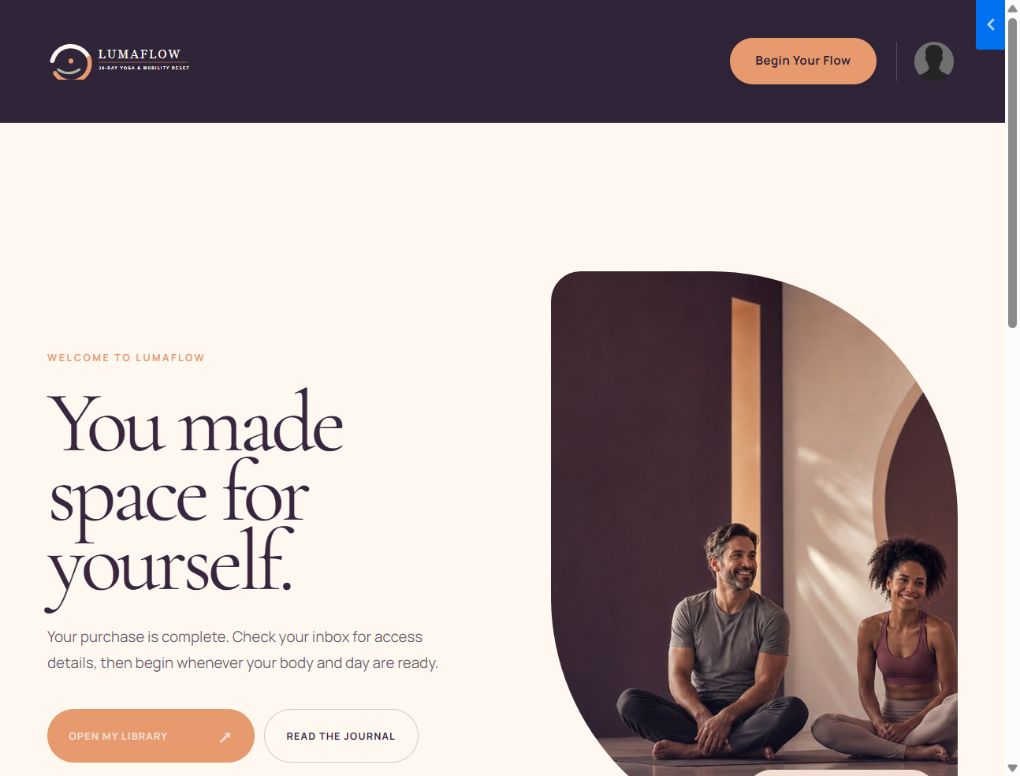
### Thank You
Reusable post-purchase/opt-in confirmation page with editable message, CTA and footer.
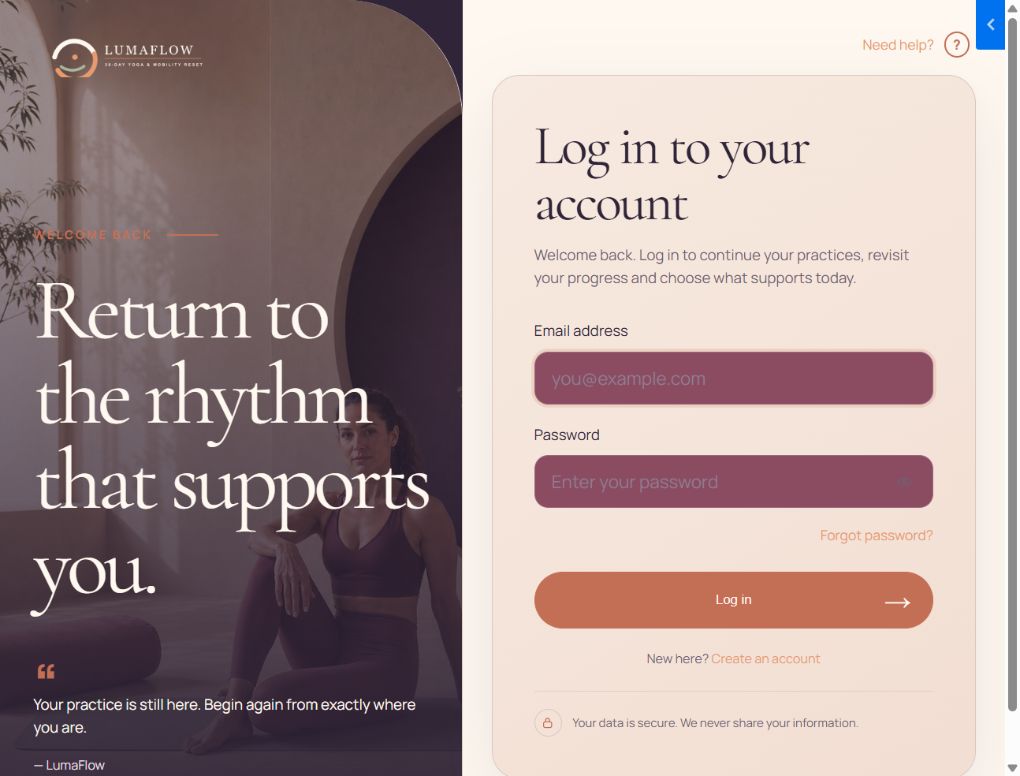
### Login
Split-image login experience with native Kajabi login, forgot-password and account links. All labels, colors, image, logo and card dimensions are controlled in Authentication Pages settings.
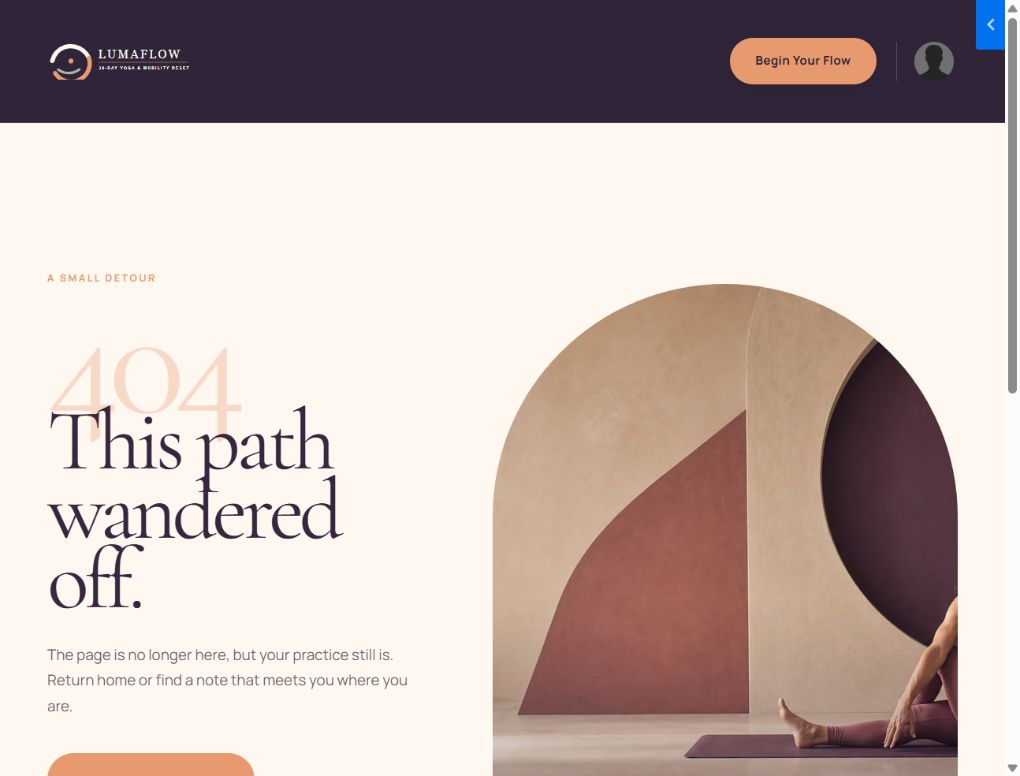
### 404
Branded not-found page with configurable message and recovery CTA.
### Page
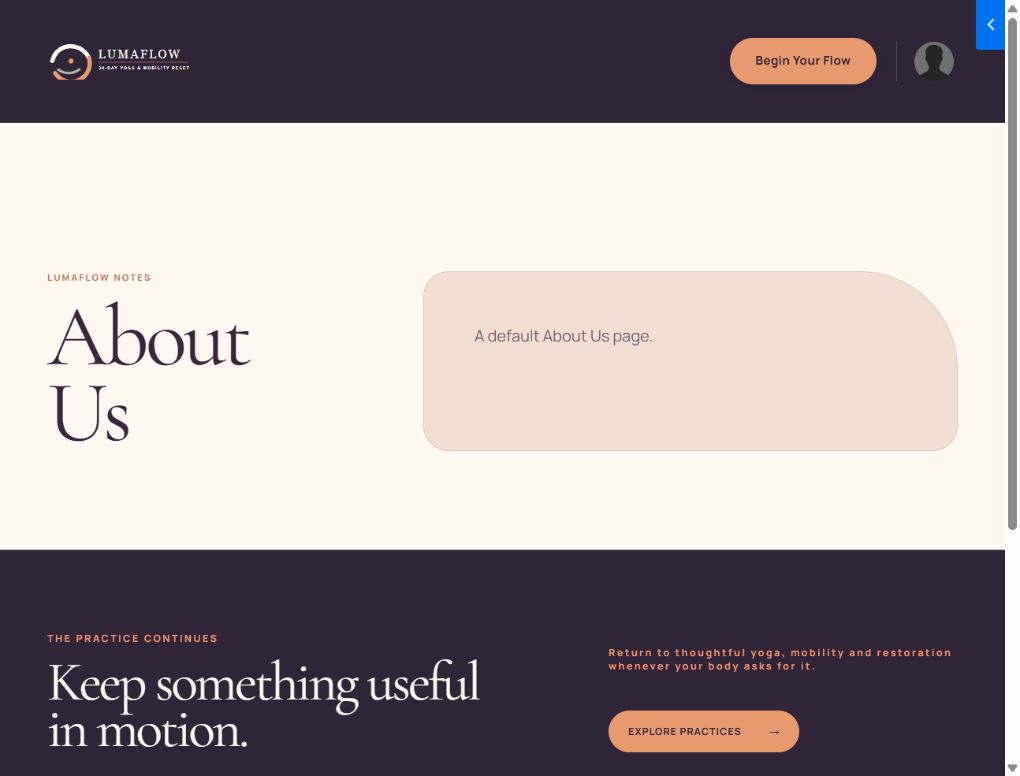
Flexible Kajabi page-body template for policy, information and simple content pages. Page content is managed from the Kajabi page editor; the site header/footer and global styles remain consistent.
### Store
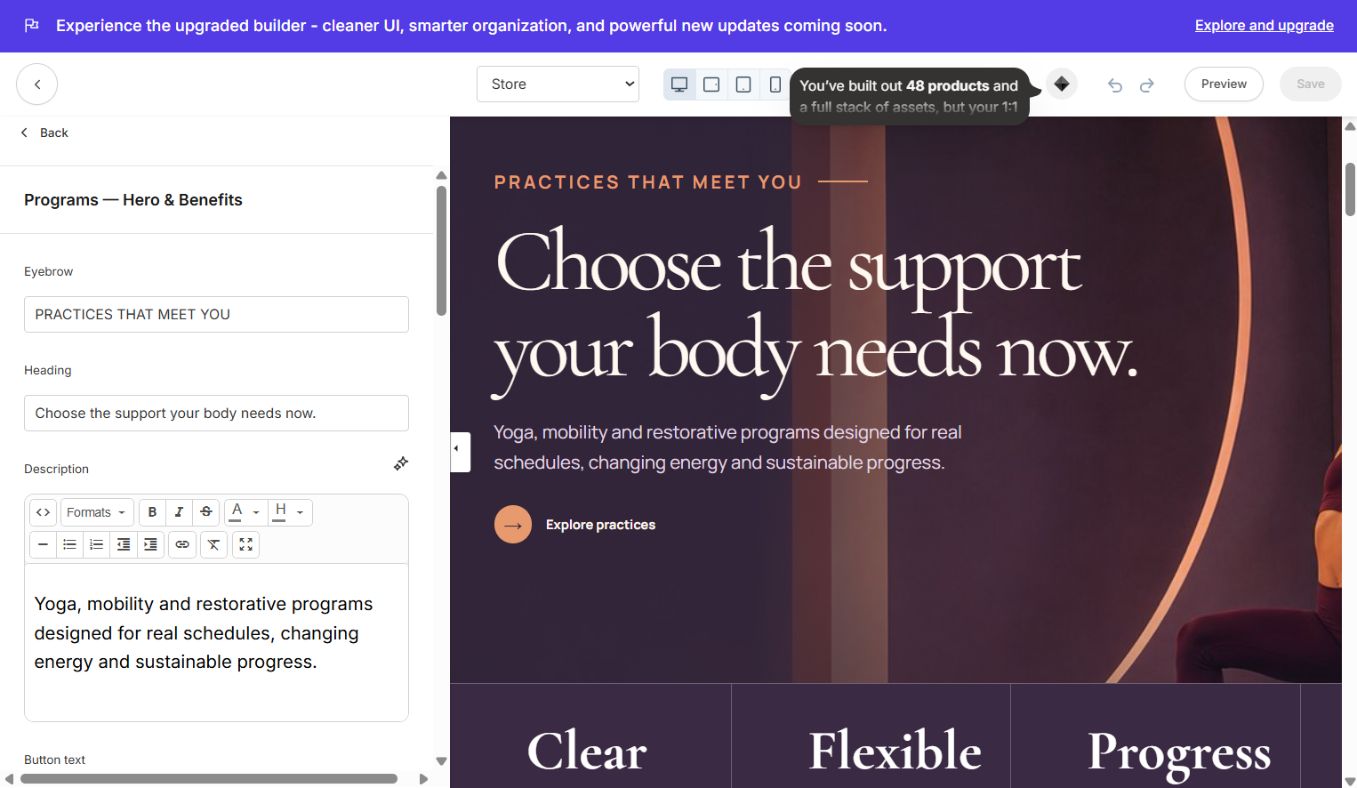
Long-form wellness store with hero, program cards, method, featured plan, weekly rhythm, steps, testimonials and CTA/footer. Product/offer links are editable in the corresponding sections.

### Sales Page
Kajabi sales-page content with LumaFlow typography and palette. Use this for offer-specific pages that need Kajabi's standard sales body/sidebar behavior.

### About
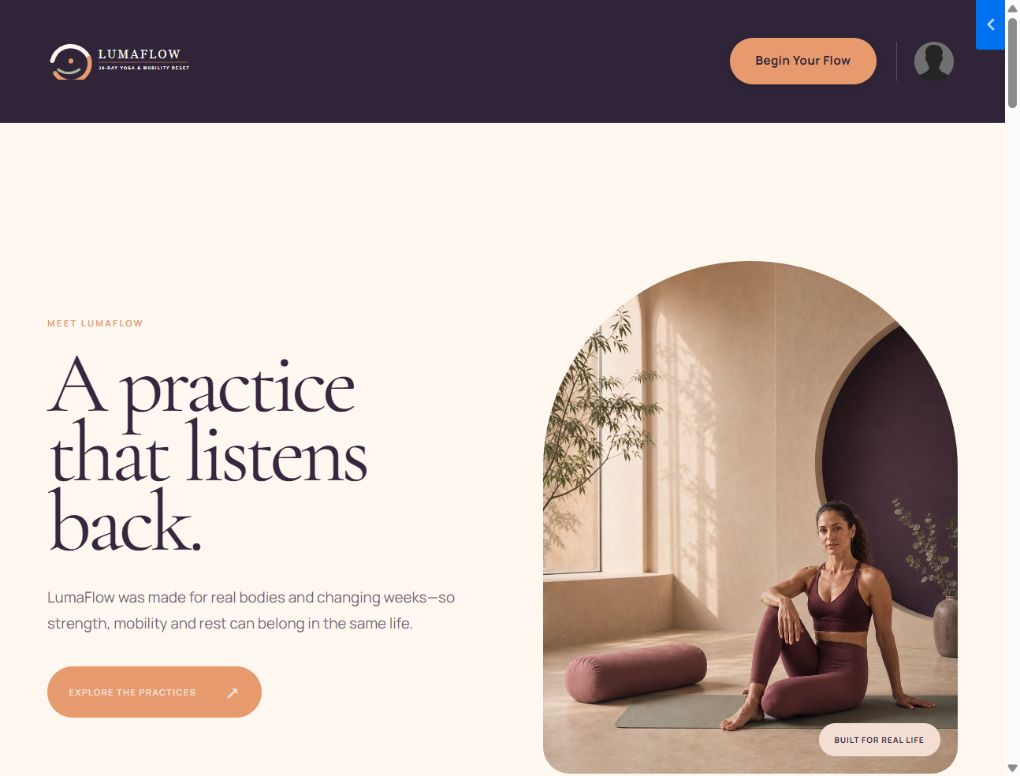
Brand banner, connected-practice story, instructor, experience, testimonials, next step and footer.
### Contact
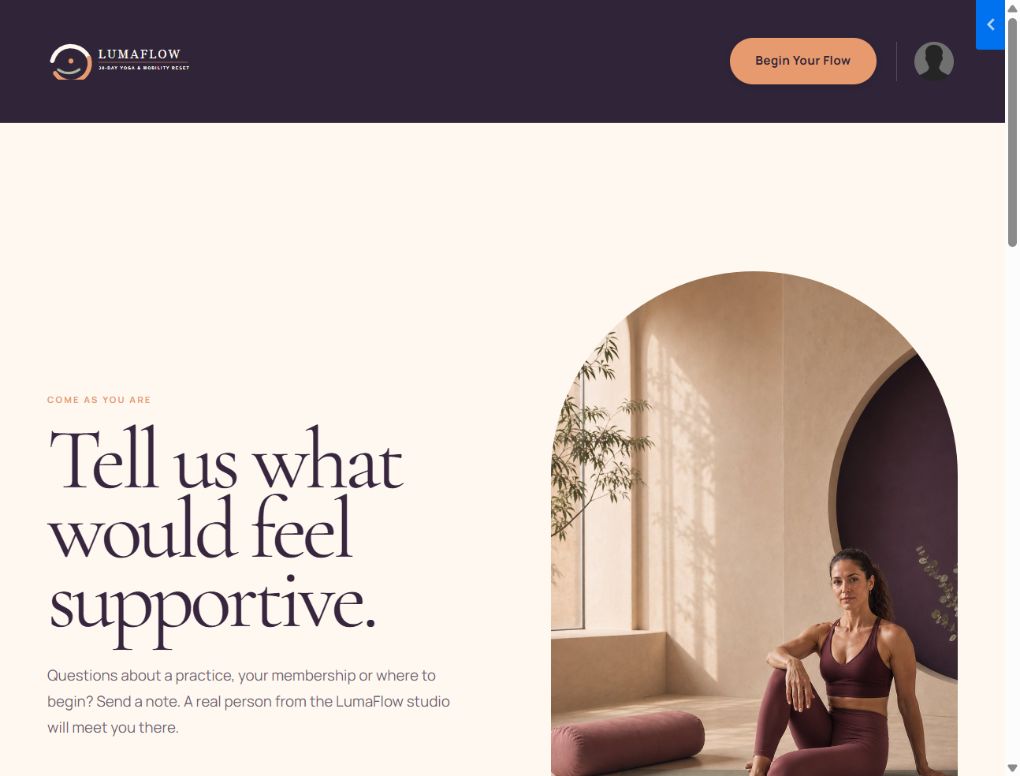
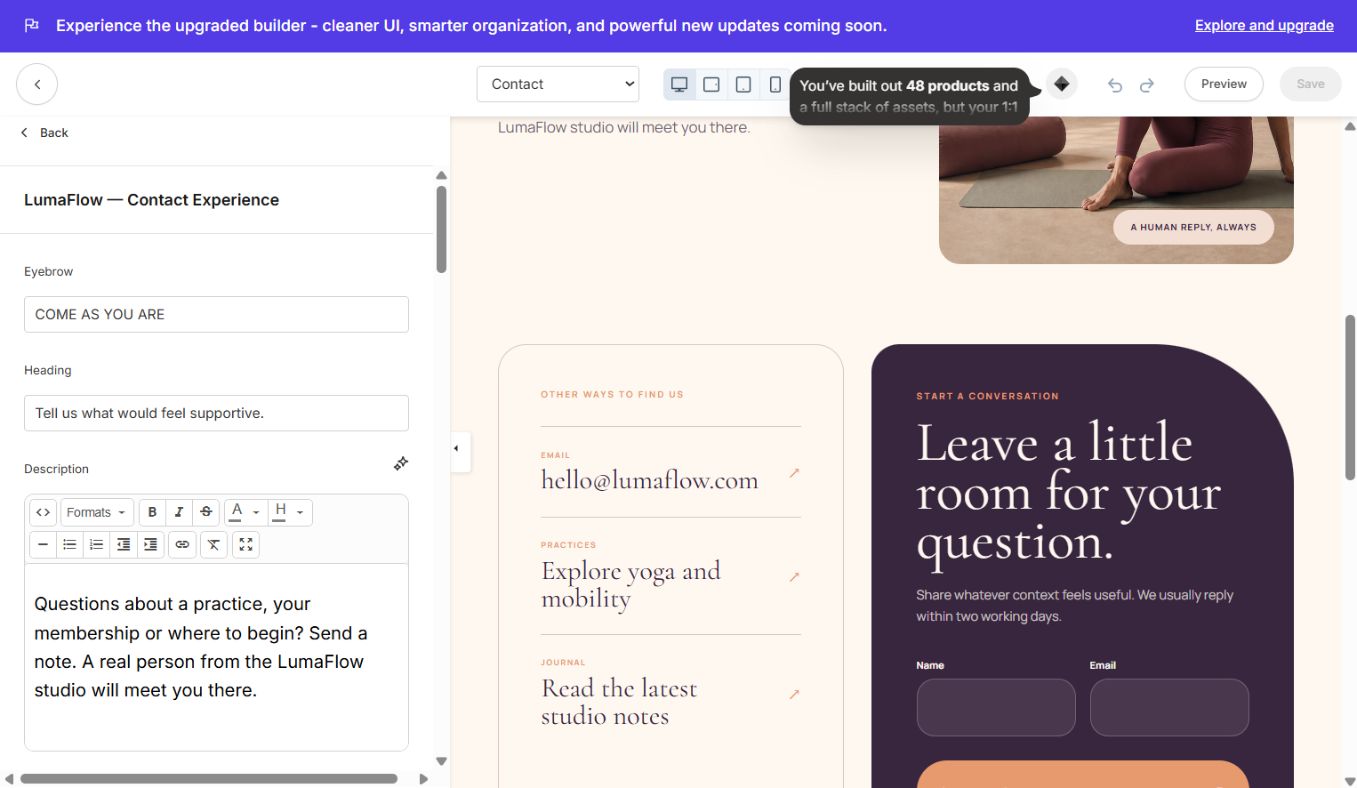
Editorial contact panel with a Kajabi form selector, contact information, response expectations and footer. A form must be selected in the section settings before submissions can work.
### Landing
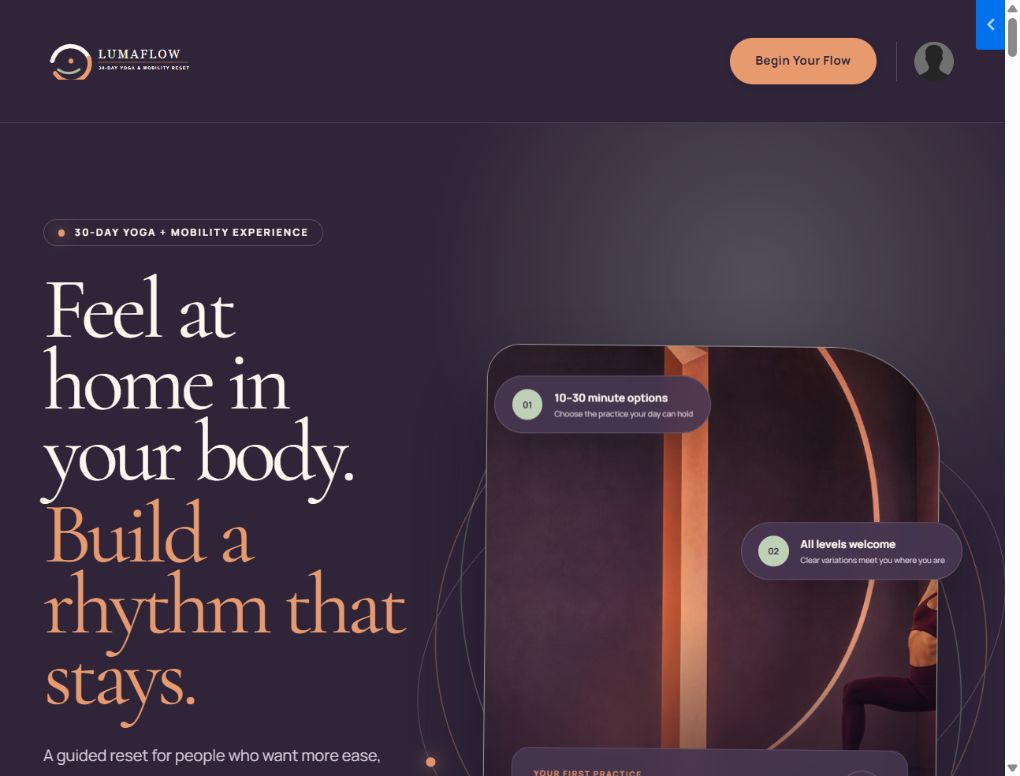
Standalone-style 18-section campaign page included inside the site theme. It uses its own landing hero, offer stack and FAQ while keeping LumaFlow's global design language.
Custom section catalogue
Open a section under the Sections tab to edit its content, images, buttons, links, colors, spacing and blocks. Repeating content such as cards, testimonials, plans, routes and FAQs is handled with Kajabi blocks.
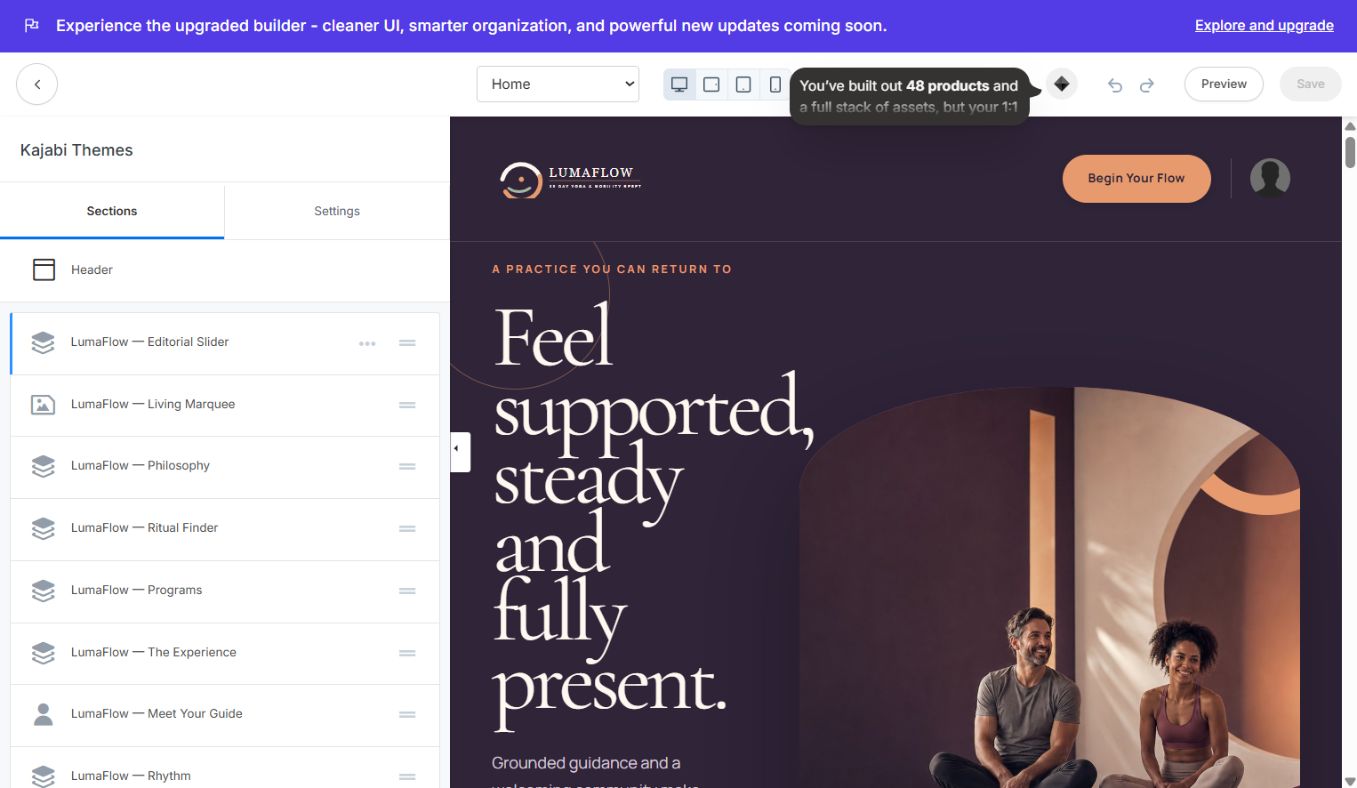
### Home and shared sections
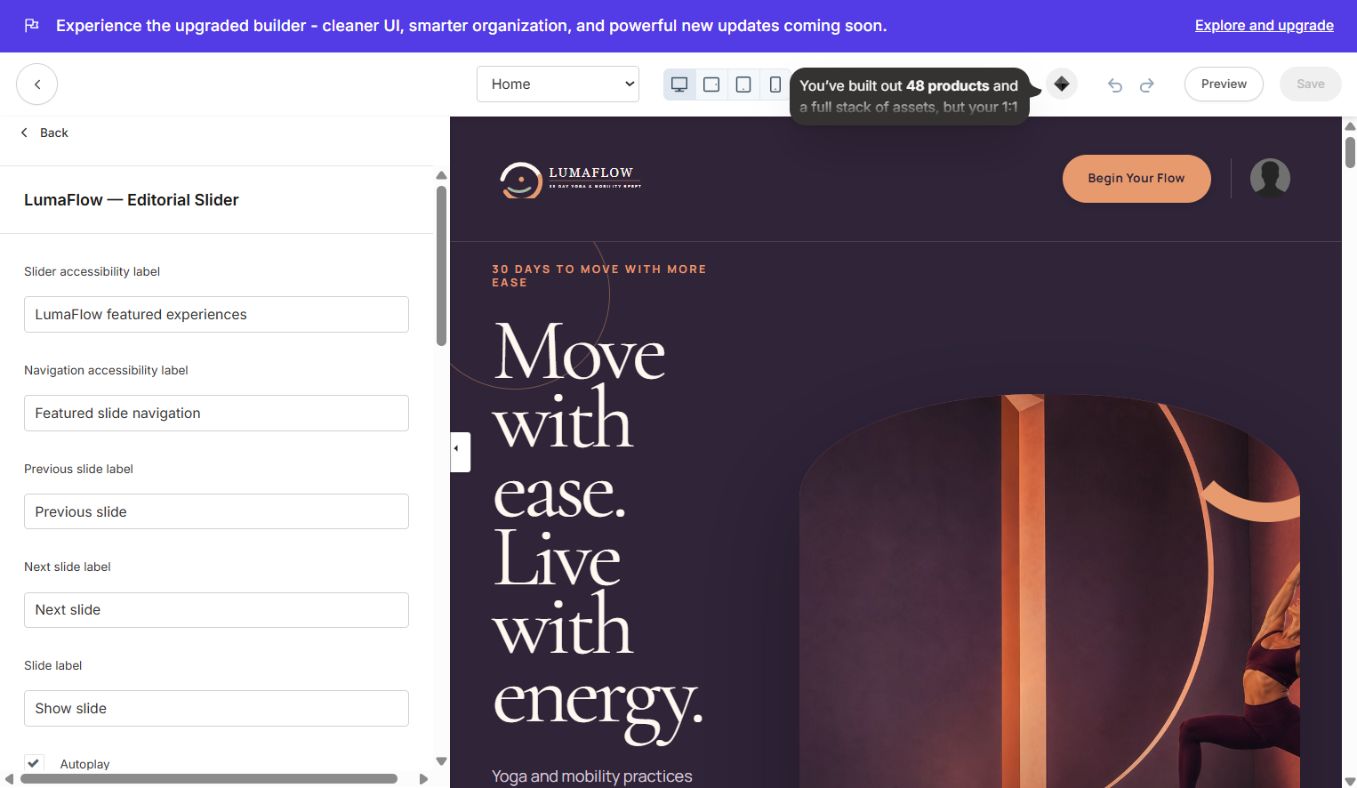
#### LumaFlow — Editorial Slider
Animated, accessible three-slide hero with autoplay toggle, interval, height, colors, CTA links and per-slide images/copy.
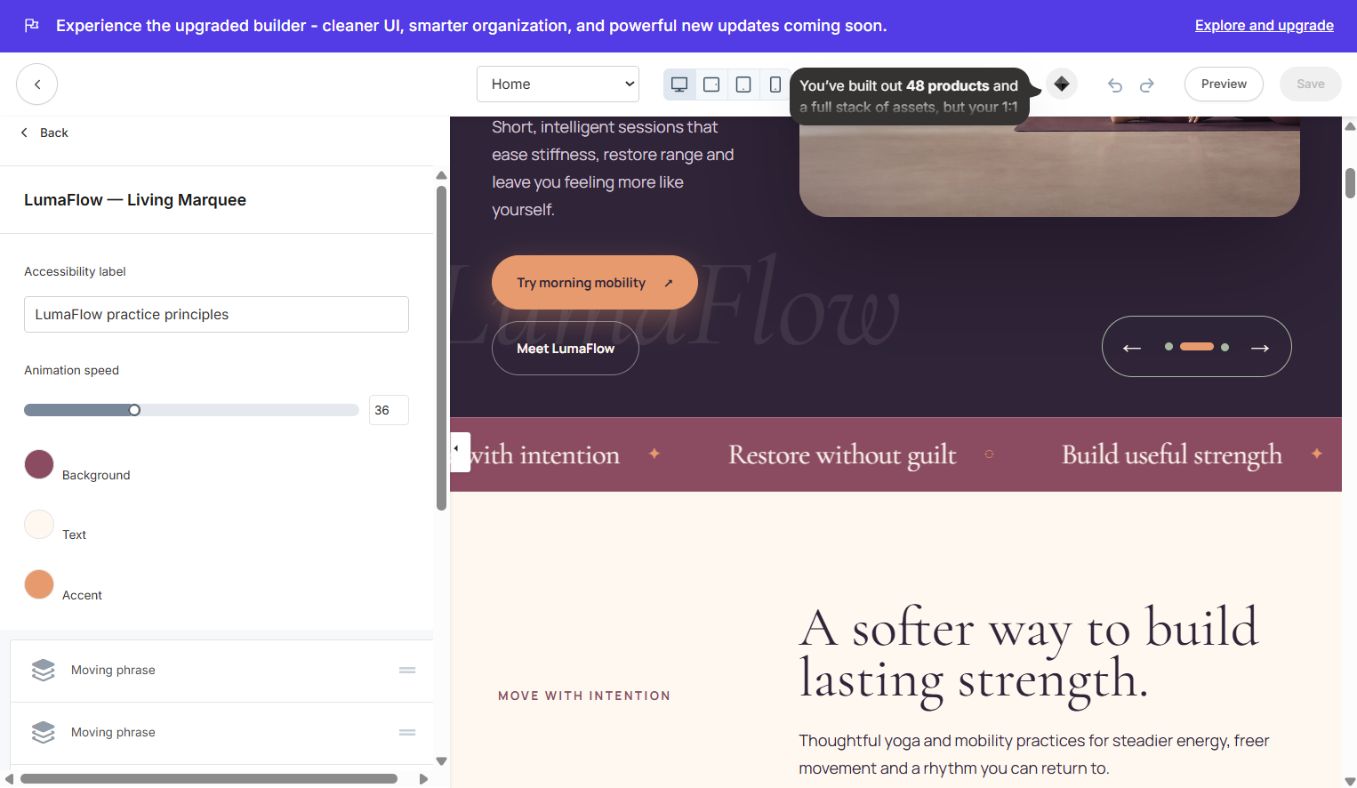
#### LumaFlow — Living Marquee
Continuous brand-principle strip with editable phrases, separators, speed and colors.
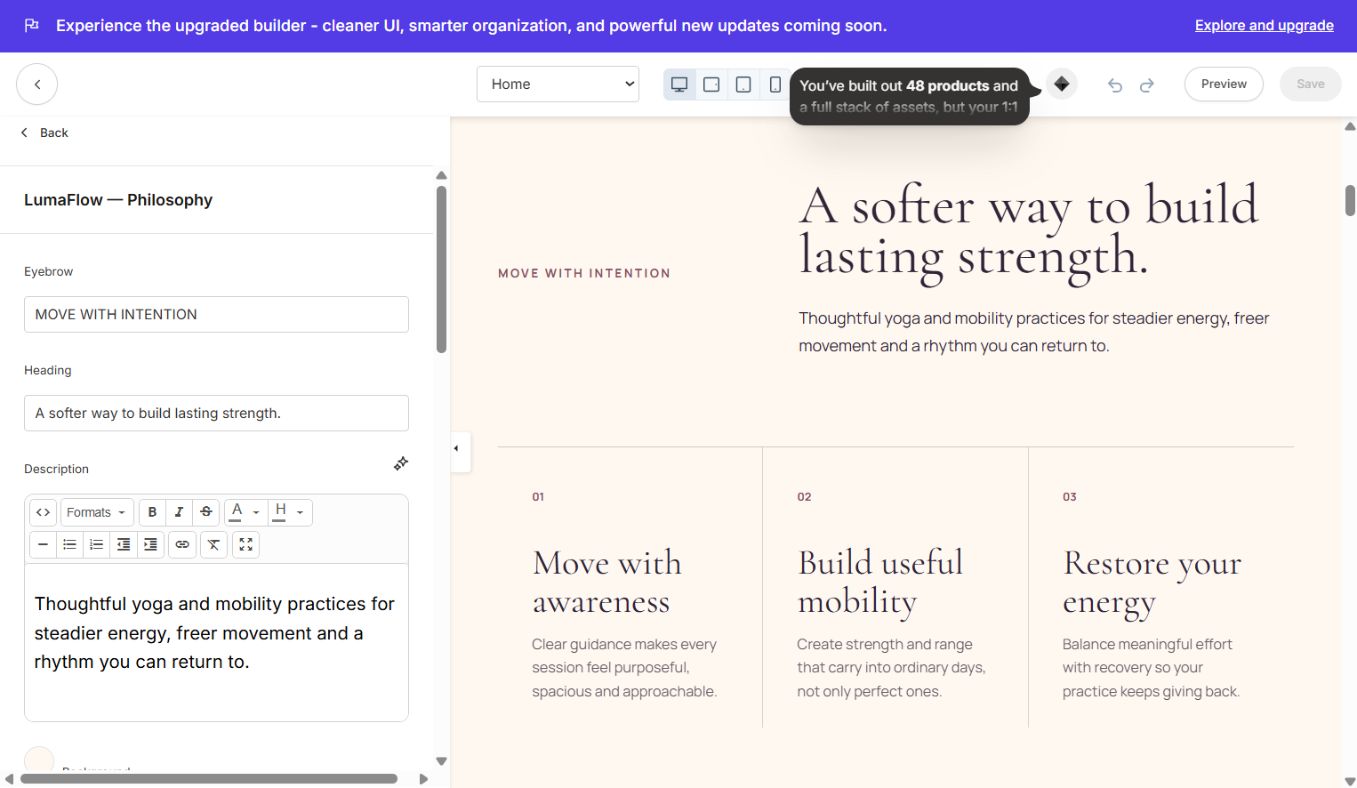
#### LumaFlow — Philosophy
Editorial heading, supporting copy and three numbered principles.
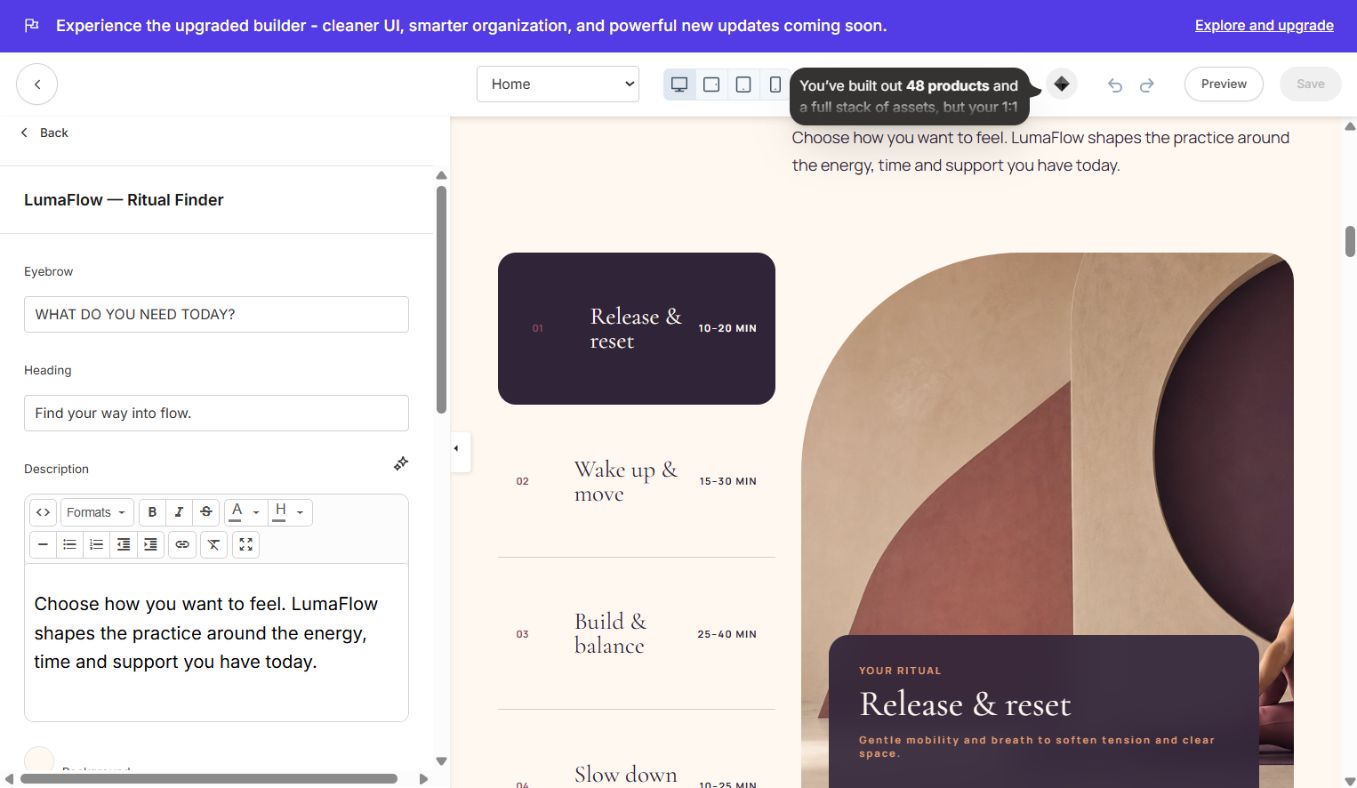
#### LumaFlow — Ritual Finder
Interactive tabbed practice finder with labels, time ranges, images, descriptions and CTA links.
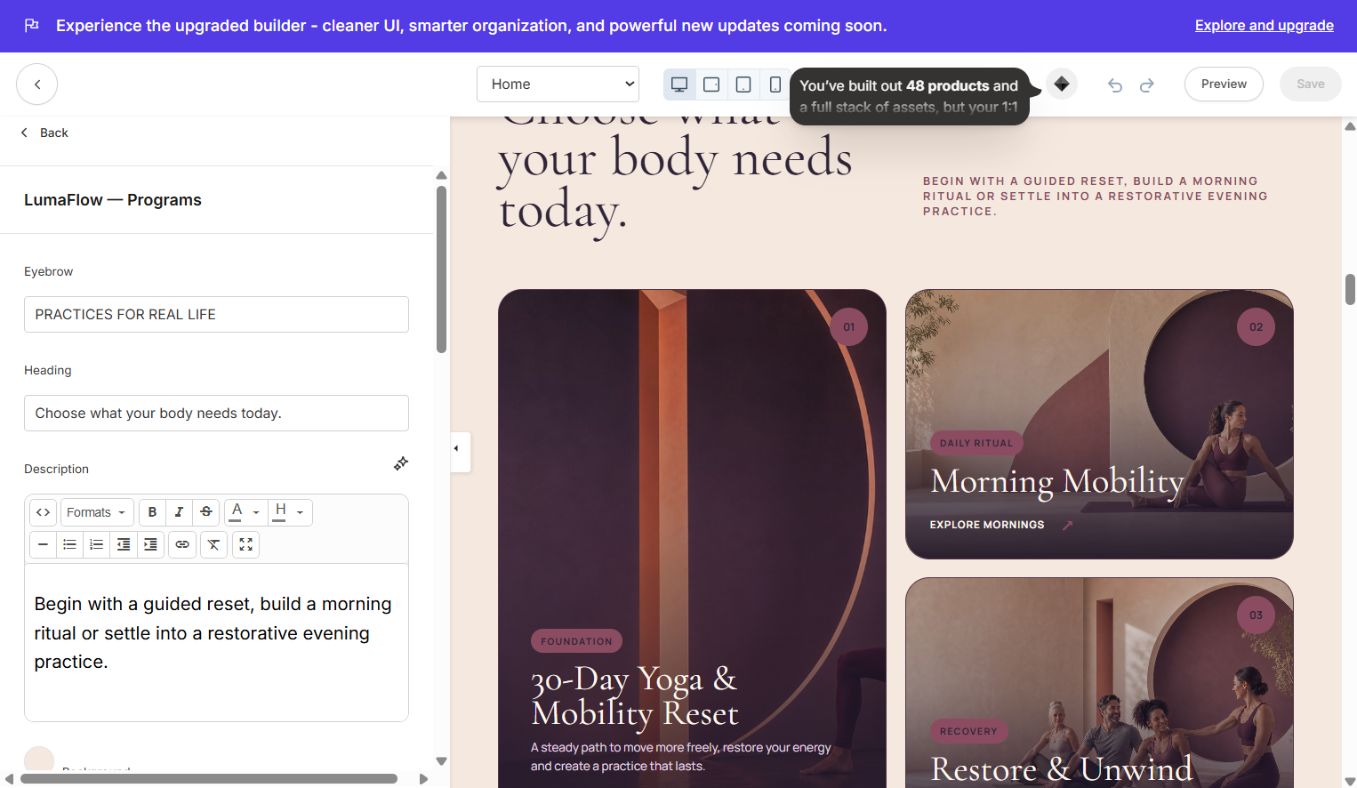
#### LumaFlow — Programs
Asymmetric program-card grid with image, category, title, description and destination per block.
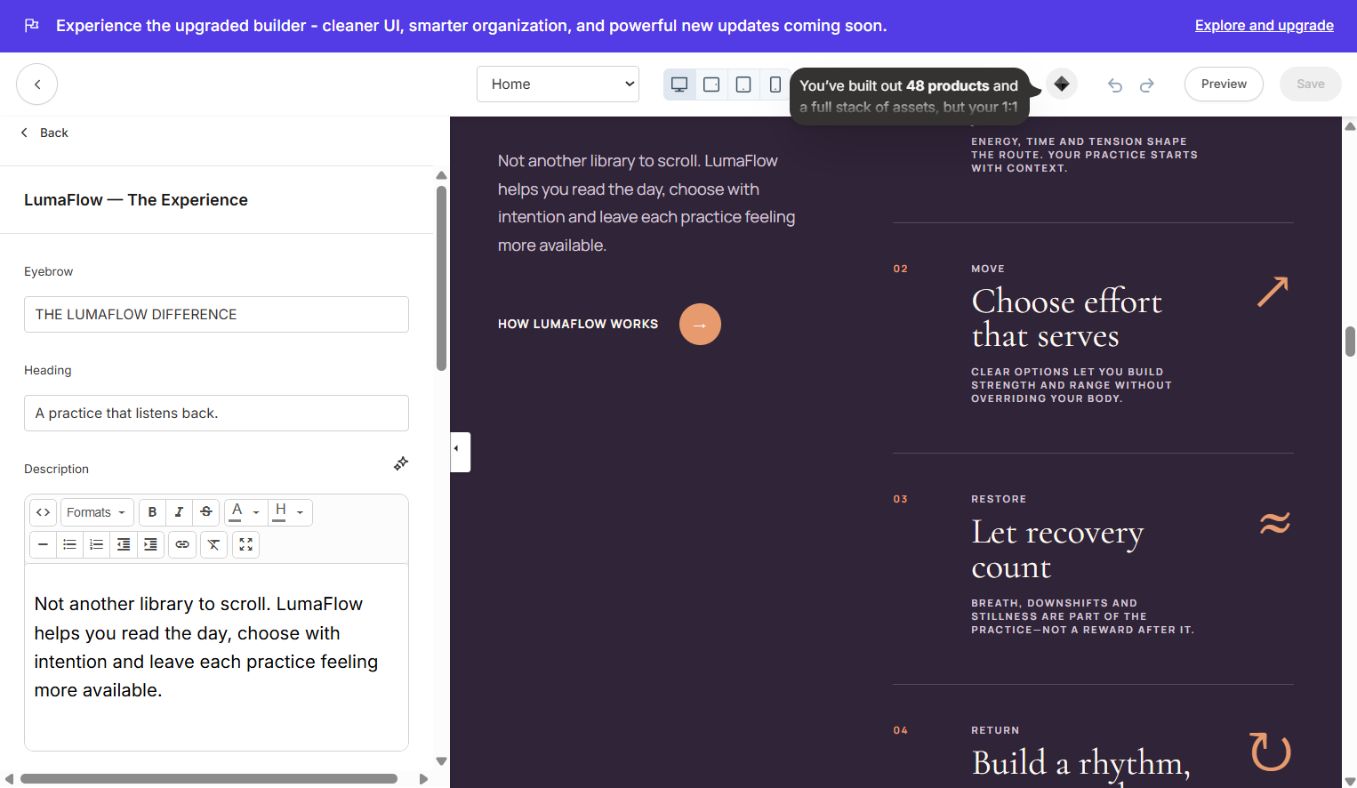
#### LumaFlow — The Experience
Split editorial section explaining the method with steps, supporting image and CTA.
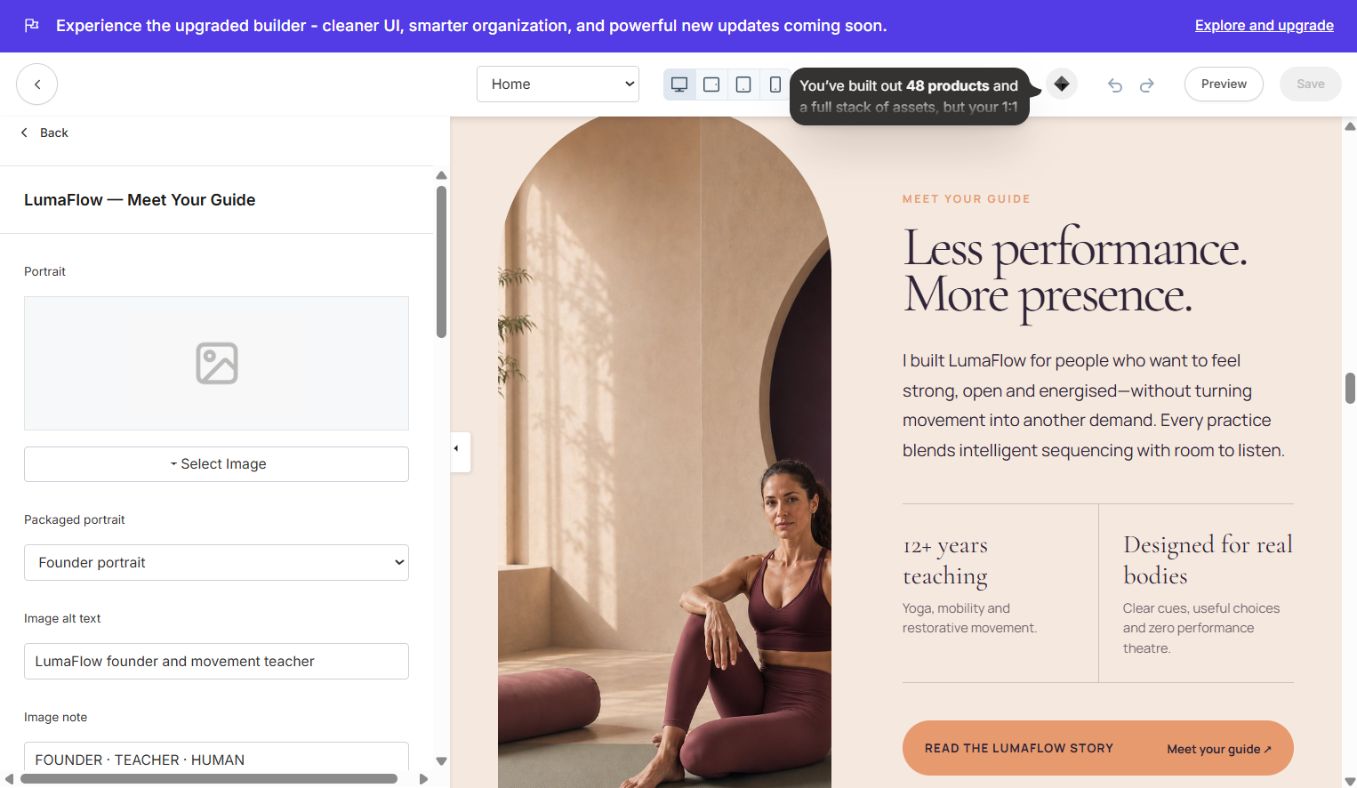
#### LumaFlow — Meet Your Guide
Instructor/founder image, biography, credentials, CTA and visual treatment.
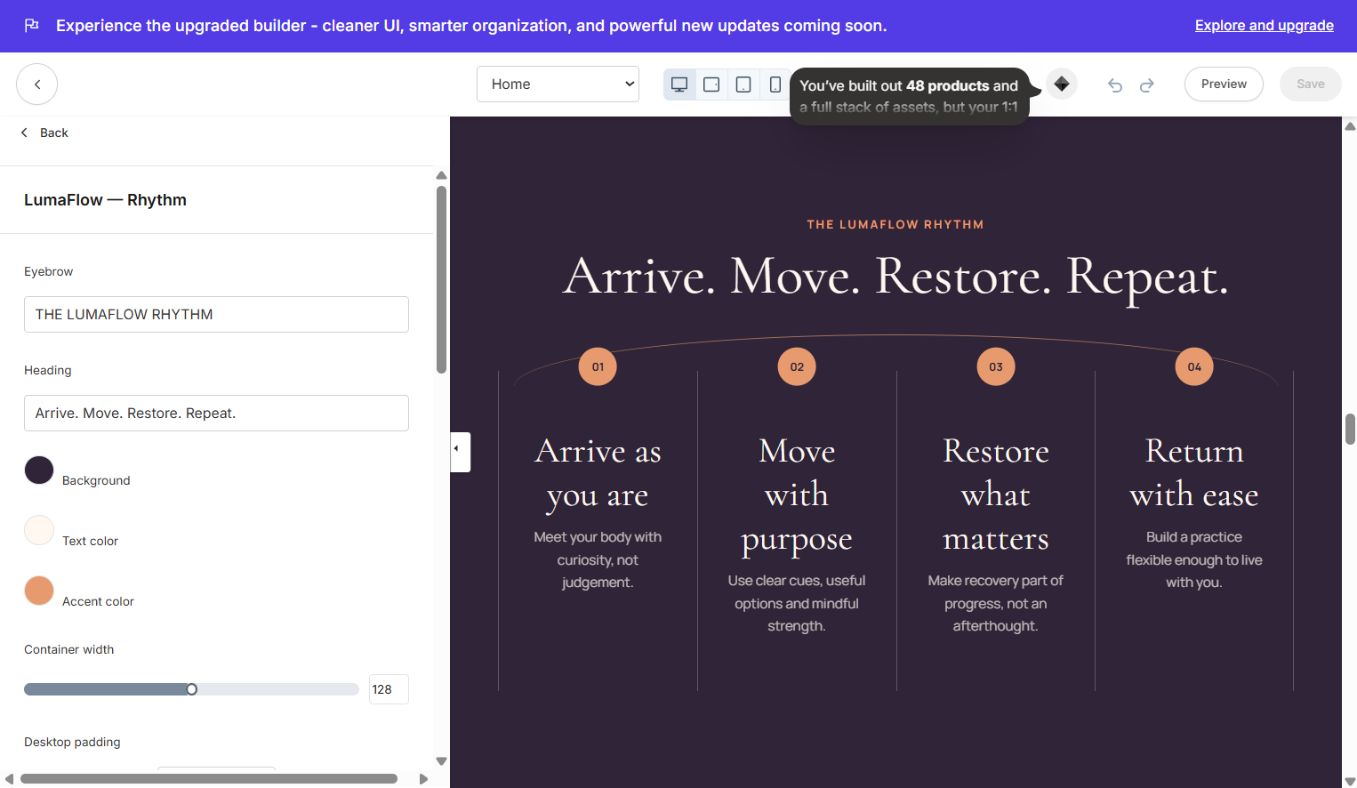
#### LumaFlow — Rhythm
Four-step practice rhythm with numbered cards and responsive layout.
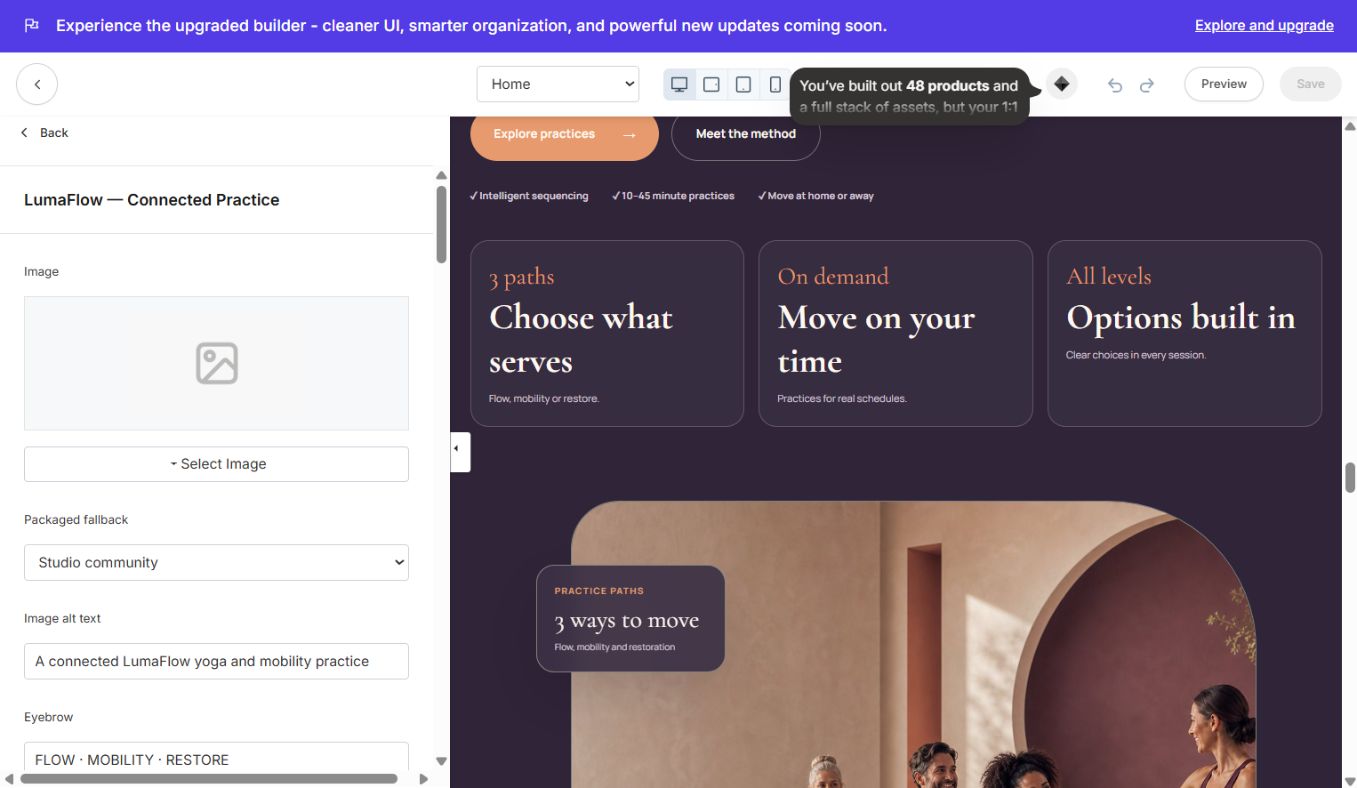
#### LumaFlow — Connected Practice
Image-led method overview with CTA, feature ticks and compact benefit cards.
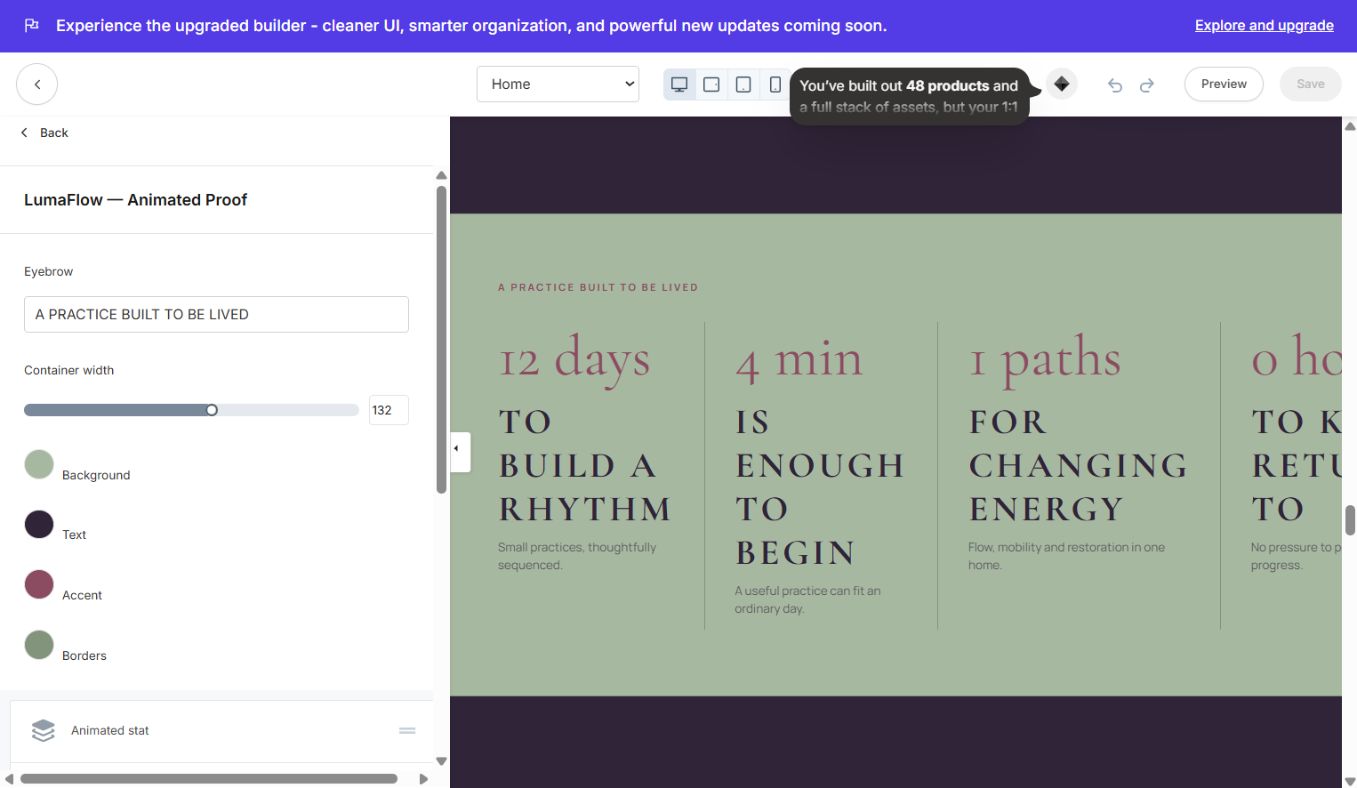
#### LumaFlow — Animated Proof
Animated number/stat cards with prefixes, suffixes, labels and supporting copy.
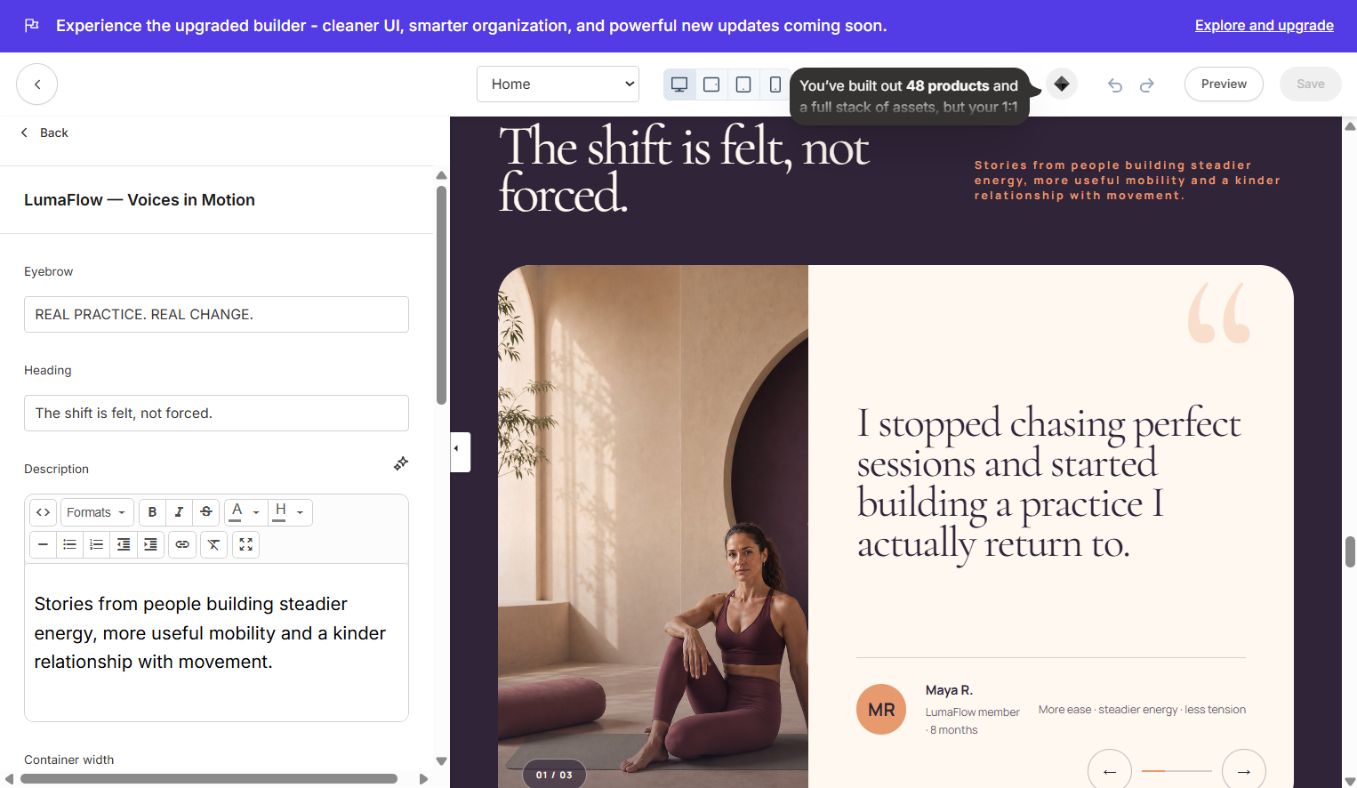
#### LumaFlow — Voices in Motion
Image testimonial slider with quote, member name, role, result and navigation labels.
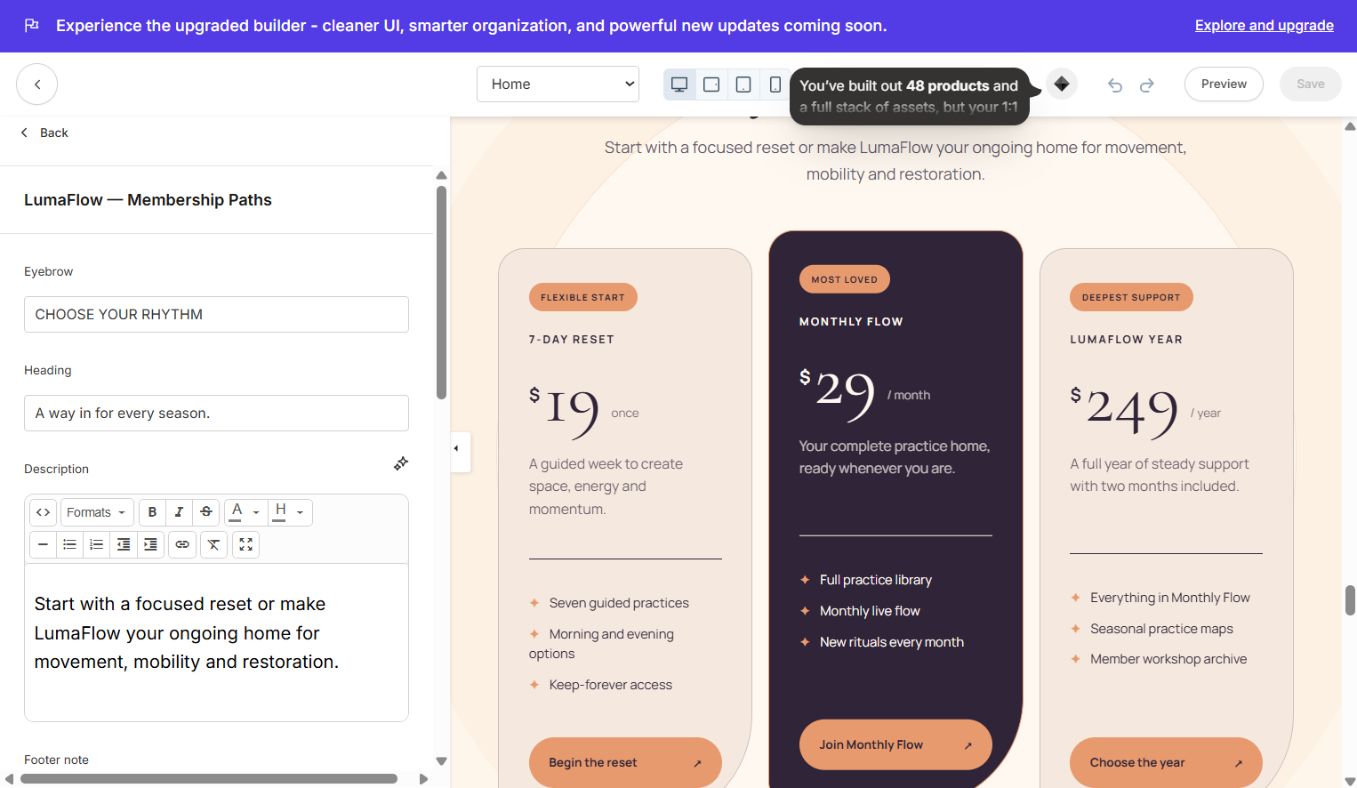
#### LumaFlow — Membership Paths
Three pricing/membership cards with badge, currency, price, interval, features, featured state and offer link.
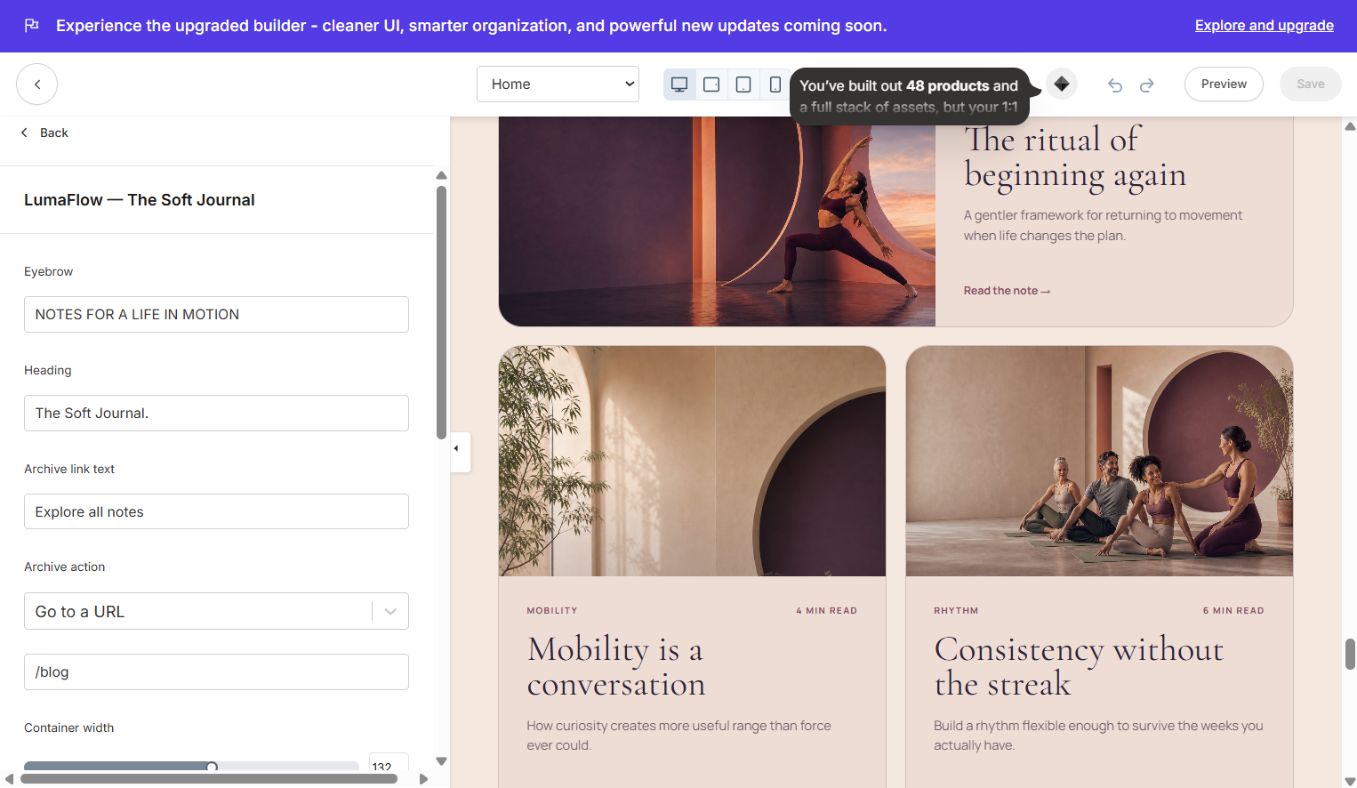
#### LumaFlow — The Soft Journal
Three editorial article cards for the home/about pages.
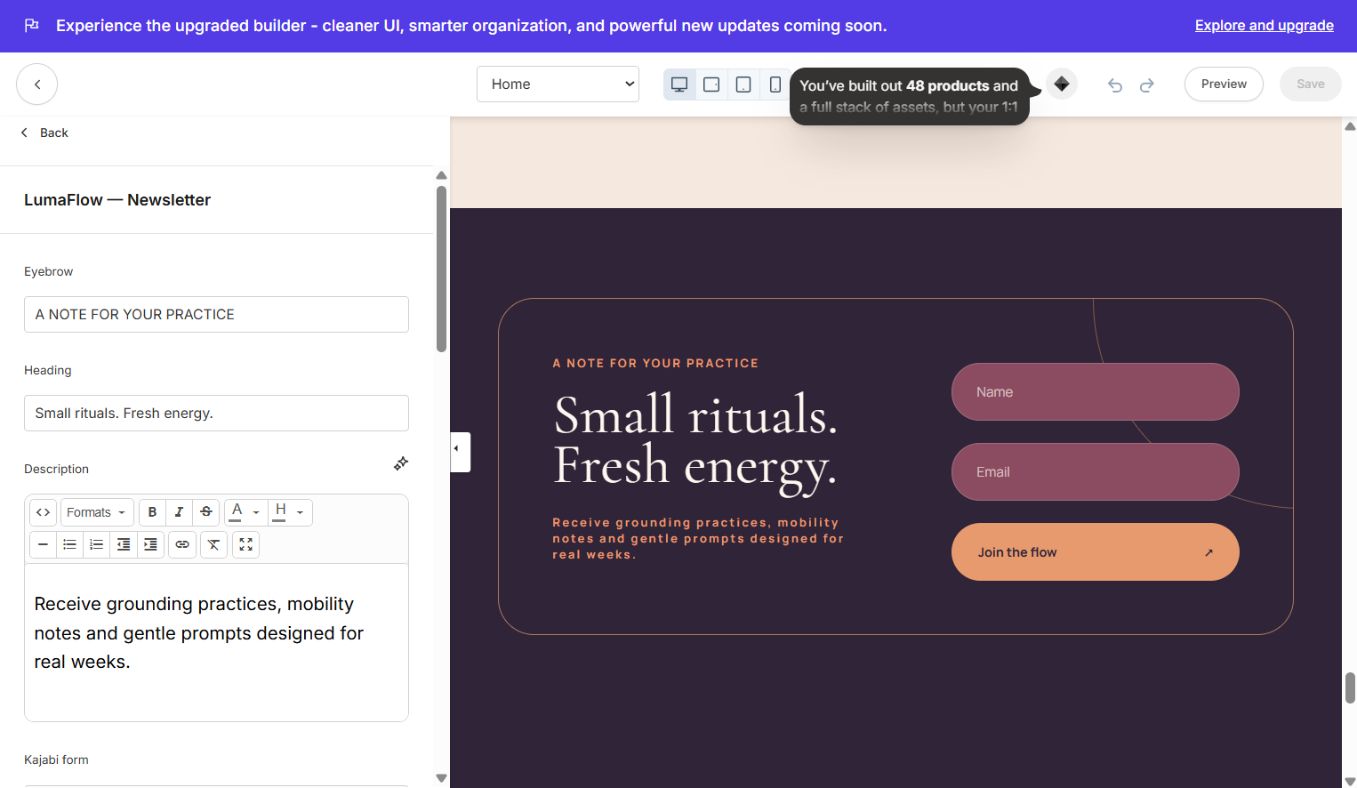
#### LumaFlow — Newsletter
Native Kajabi form section. Select a real form, edit button text and optional thank-you URL.
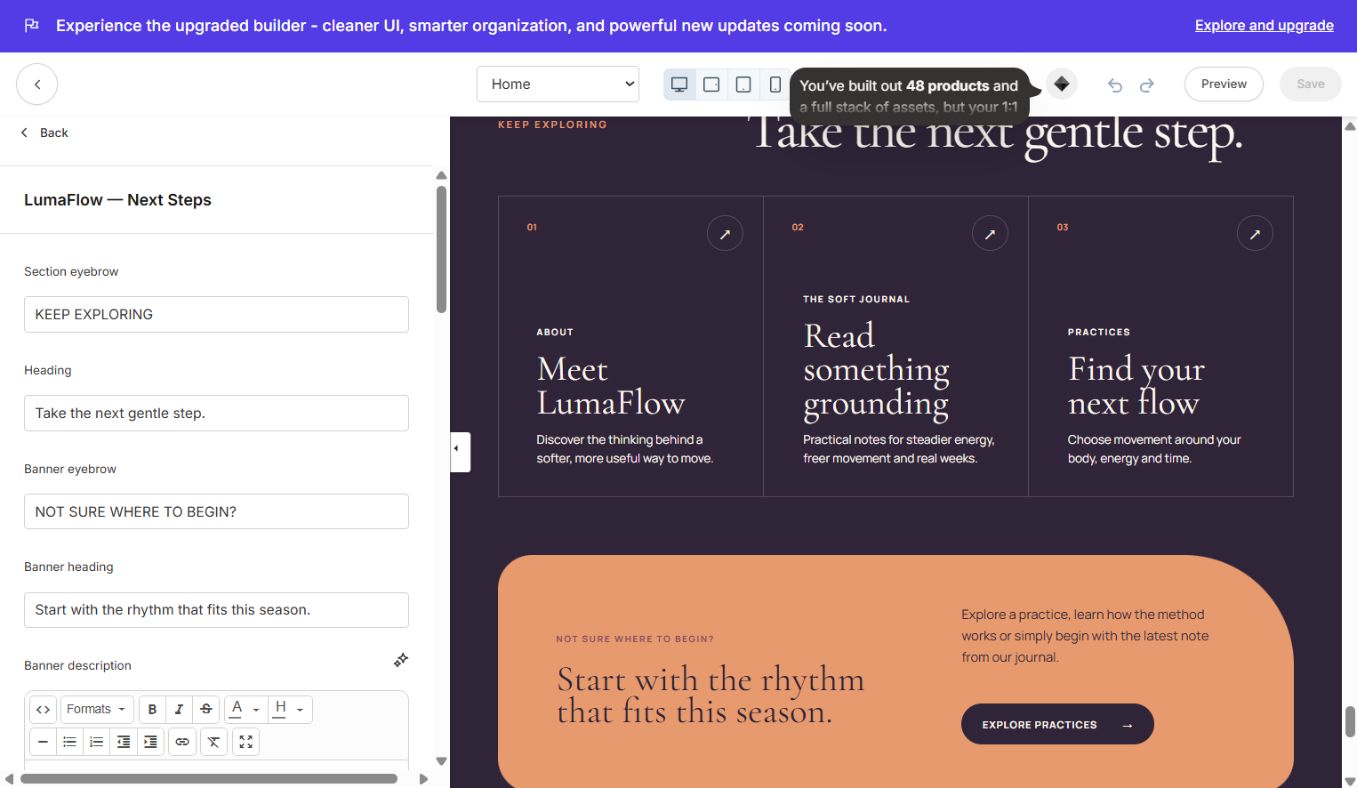
#### LumaFlow — Next Steps
Three-route navigation grid plus a highlighted CTA panel.
#### LumaFlow — Site Footer
Full footer with CTA, navigation, social blocks, copyright and legal links.
### Library, blog and system sections
#### Library — Dashboard
Controls banner sizing/copy, search, course cards, progress display, 20-product pagination and first-time-member behavior.
#### LumaFlow — Page Banner
Compact reusable hero used on community/information pages.
#### LumaFlow — Journal Hero
Blog index introduction and featured-post treatment.
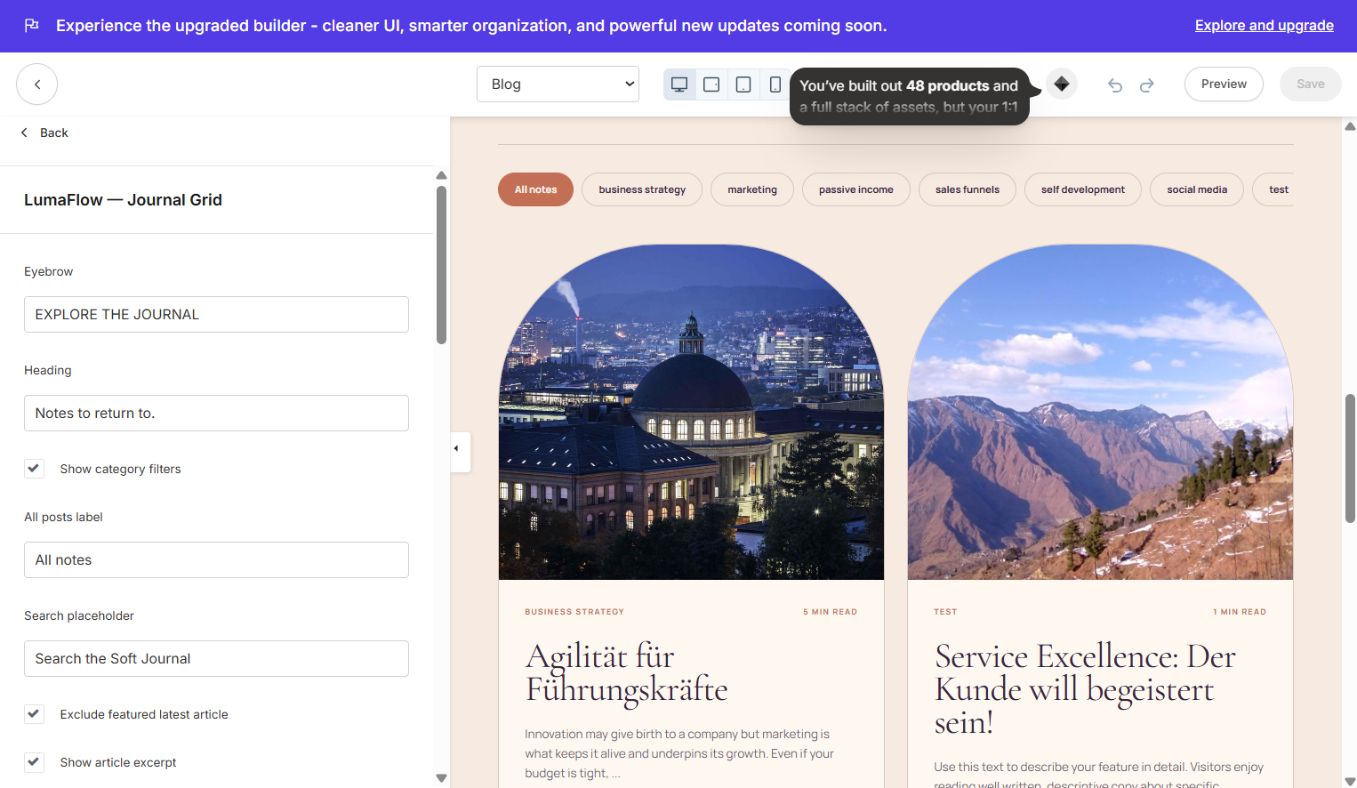
#### LumaFlow — Journal Grid
Dynamic Kajabi article listing with editorial cards and spacing controls.
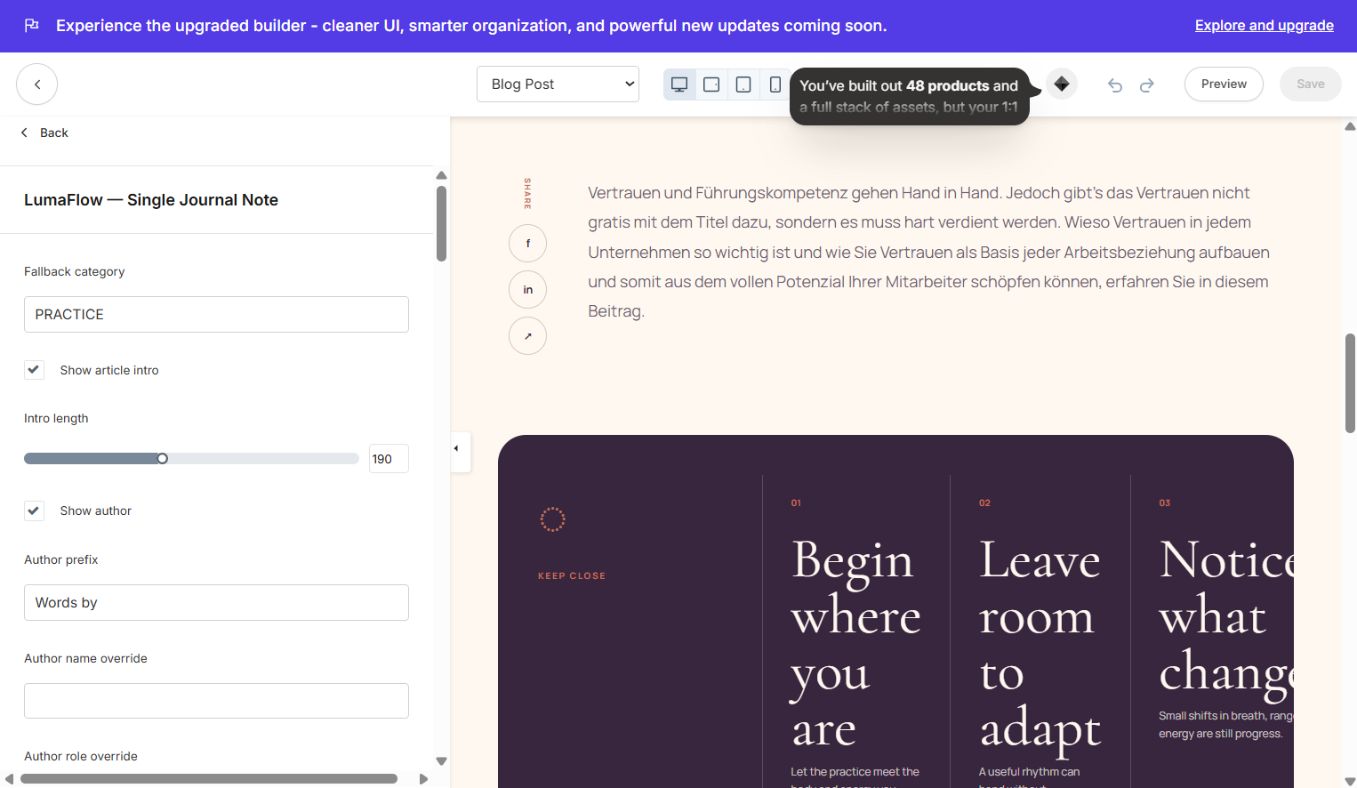
#### LumaFlow — Single Journal Note
Dynamic single-post presentation, author area, share actions and related guidance.
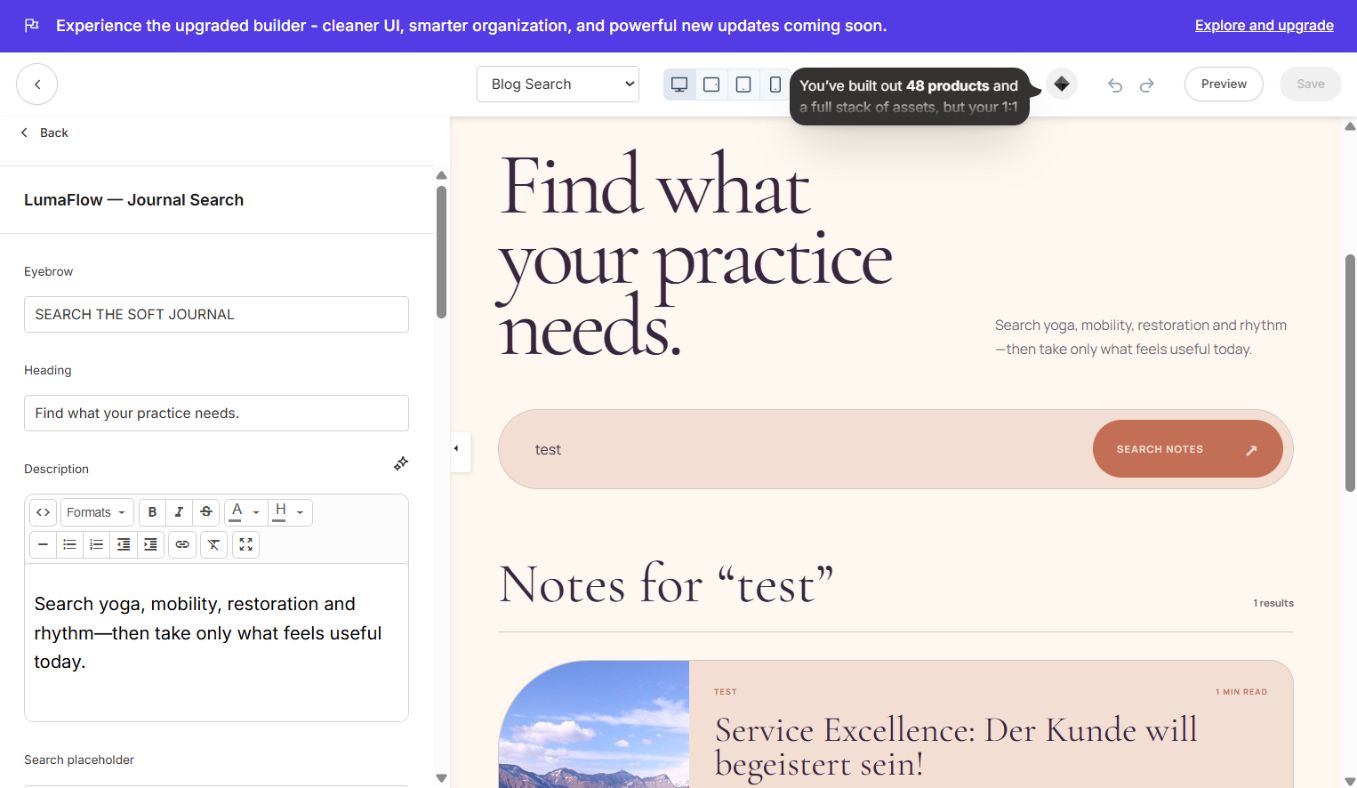
#### LumaFlow — Journal Search
Search form, results and empty state.
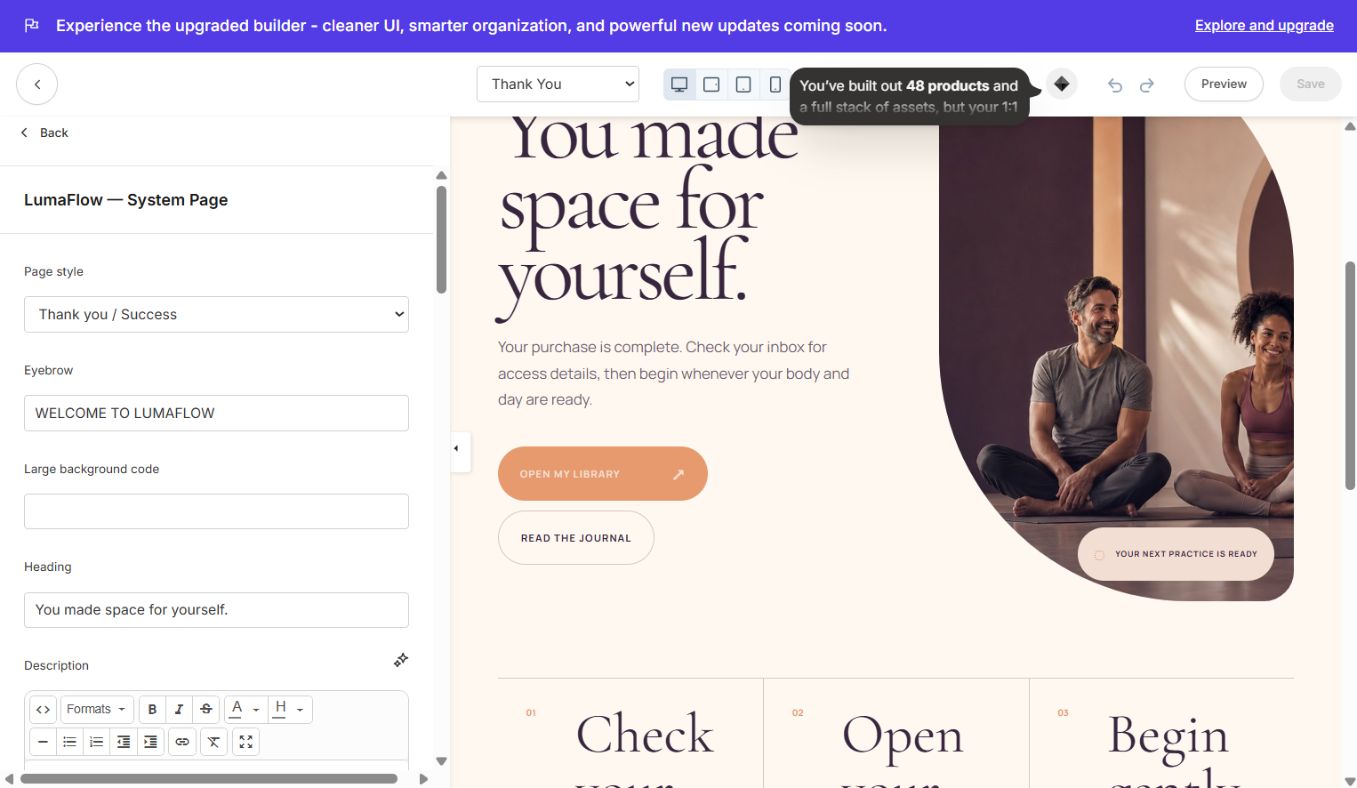
#### LumaFlow — System Page
Shared Thank You/404 visual system with editable heading, copy and CTA.
#### LumaFlow — Contact Experience
Contact content plus Kajabi form selector and configurable support details.
### Store sections
#### Programs — Hero & Benefits
Store hero, introductory CTA and four brand-benefit blocks.
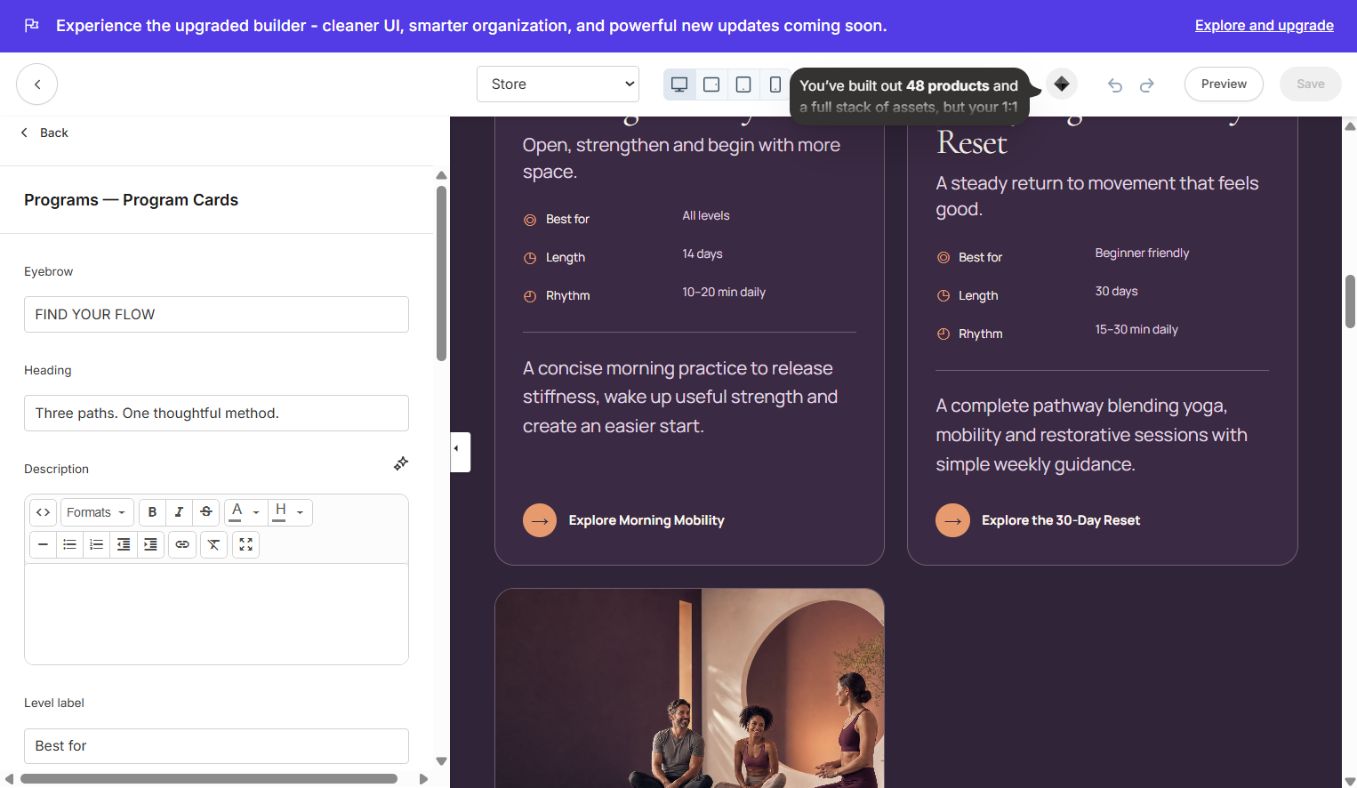
#### Programs — Program Cards
Three product/program cards with image, best-for, length, rhythm and CTA.
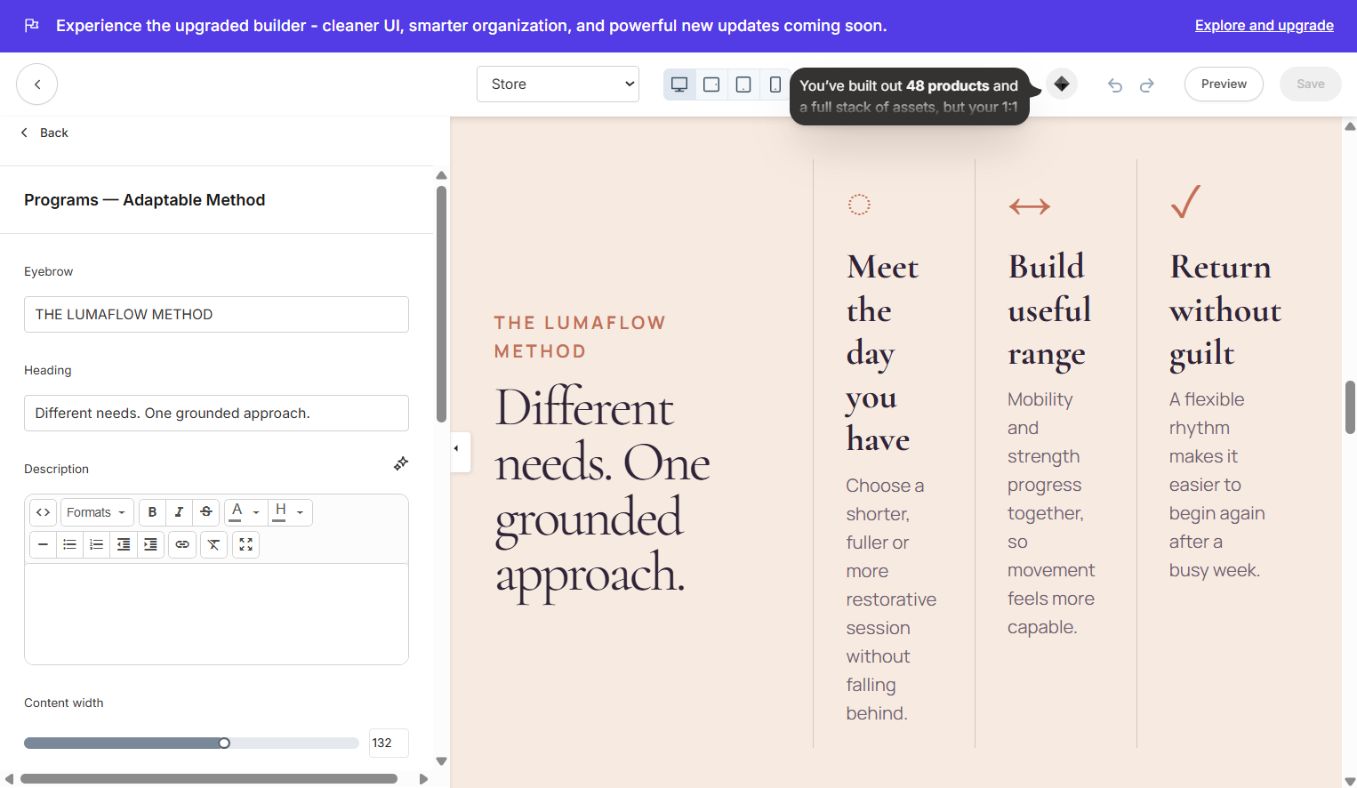
#### Programs — Adaptable Method
Method/value proposition strip with supporting blocks.
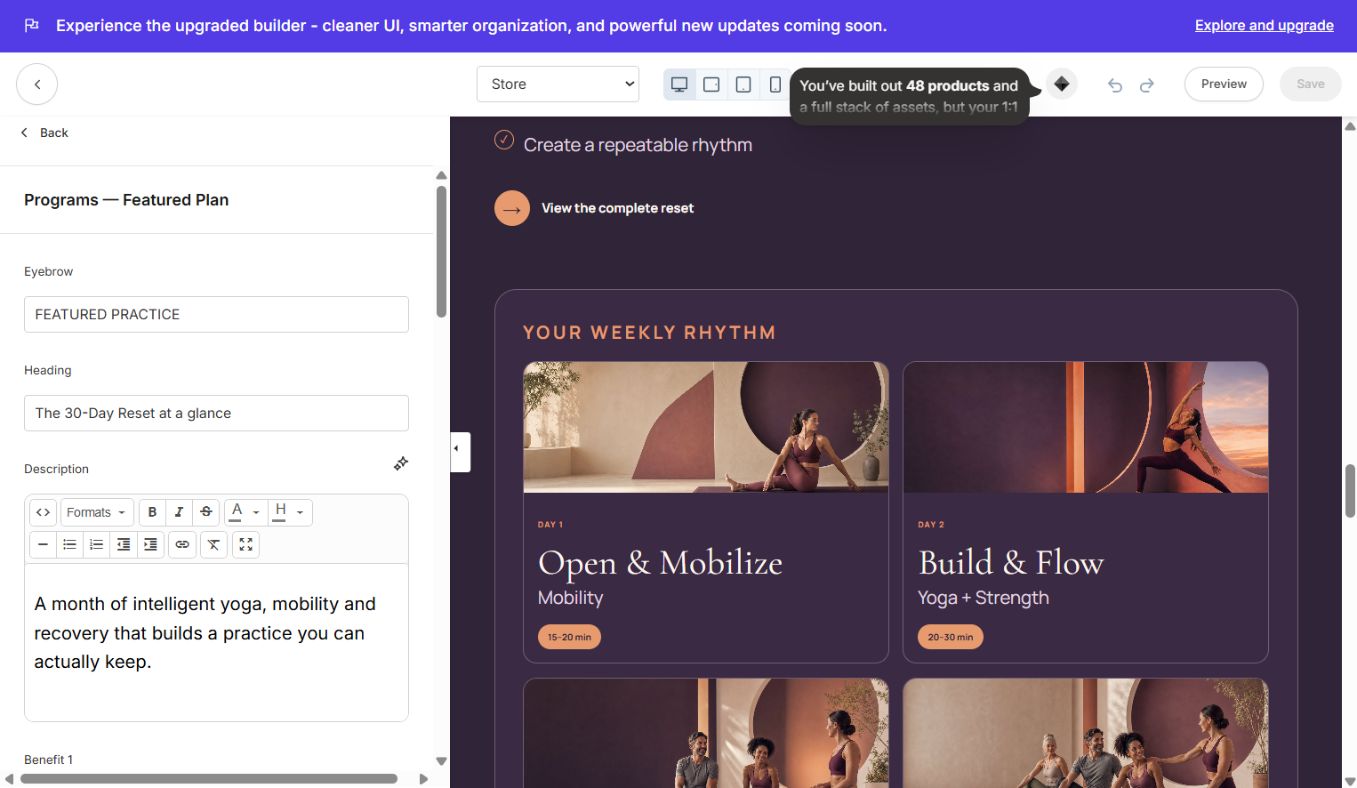
#### Programs — Featured Plan
Featured-offer copy beside a multi-card weekly plan visual.
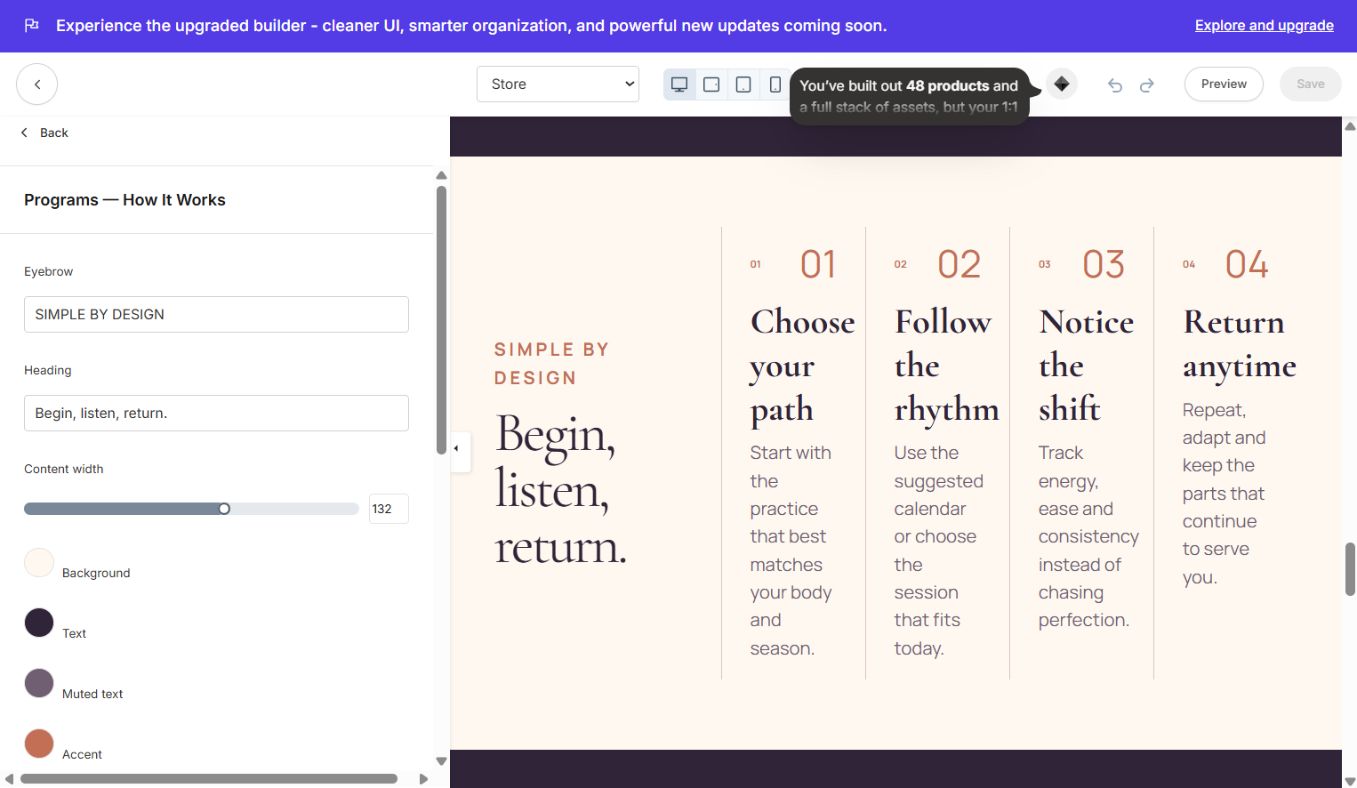
#### Programs — How It Works
Four-step buying/onboarding process.
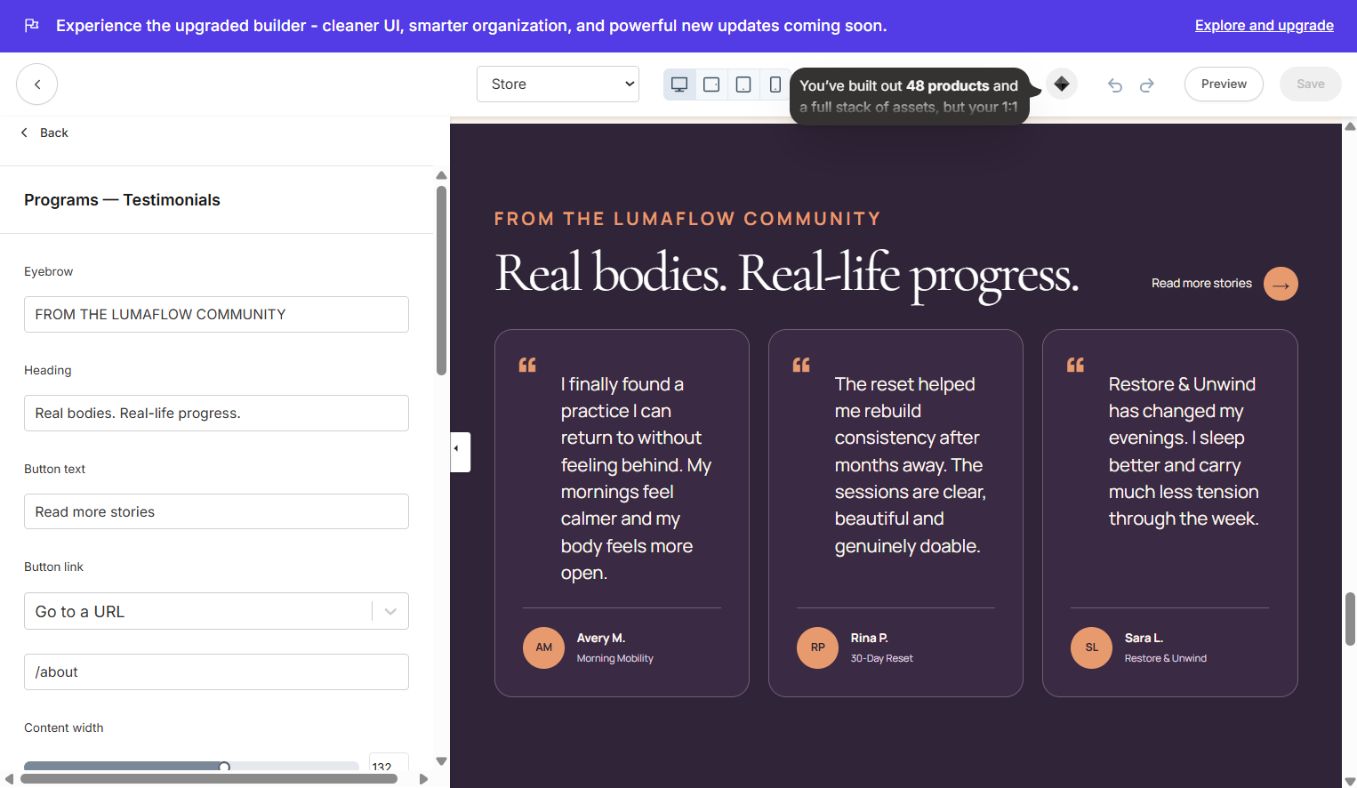
#### Programs — Testimonials
Three store-specific member quotes.
### Landing-specific sections inside the site theme
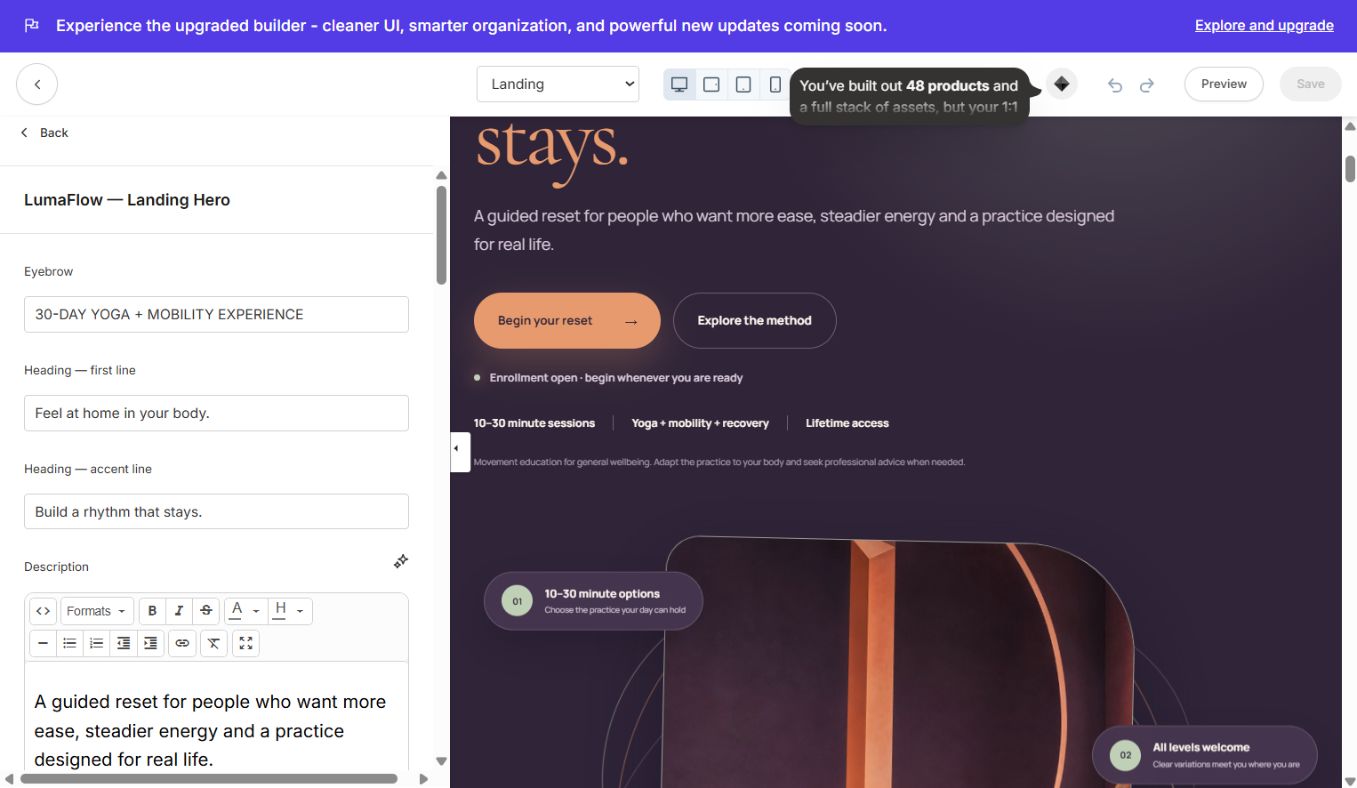
#### LumaFlow — Landing Hero
Animated campaign hero with floating proof cards, image, dual CTAs and mobile controls.
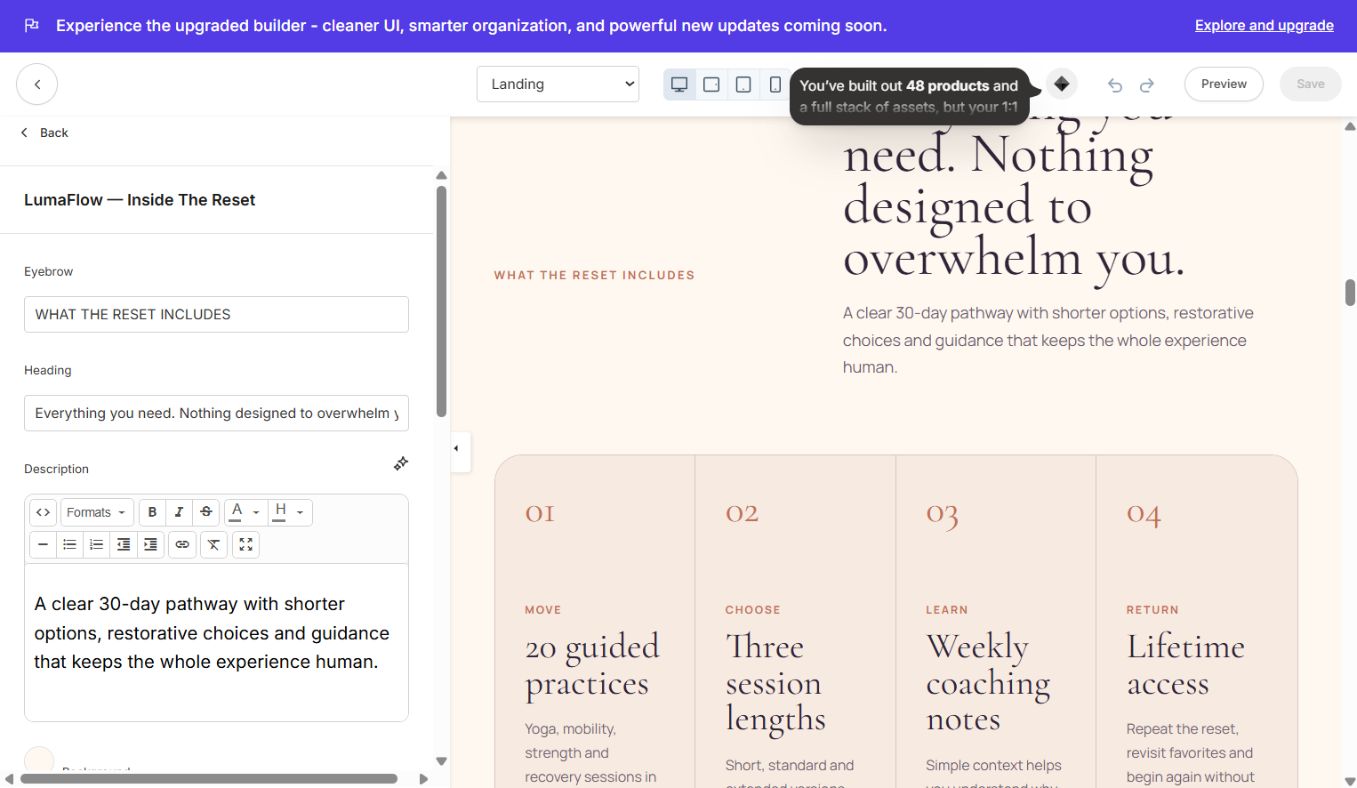
#### LumaFlow — Inside The Reset
Curriculum/content breakdown with modules or deliverables.
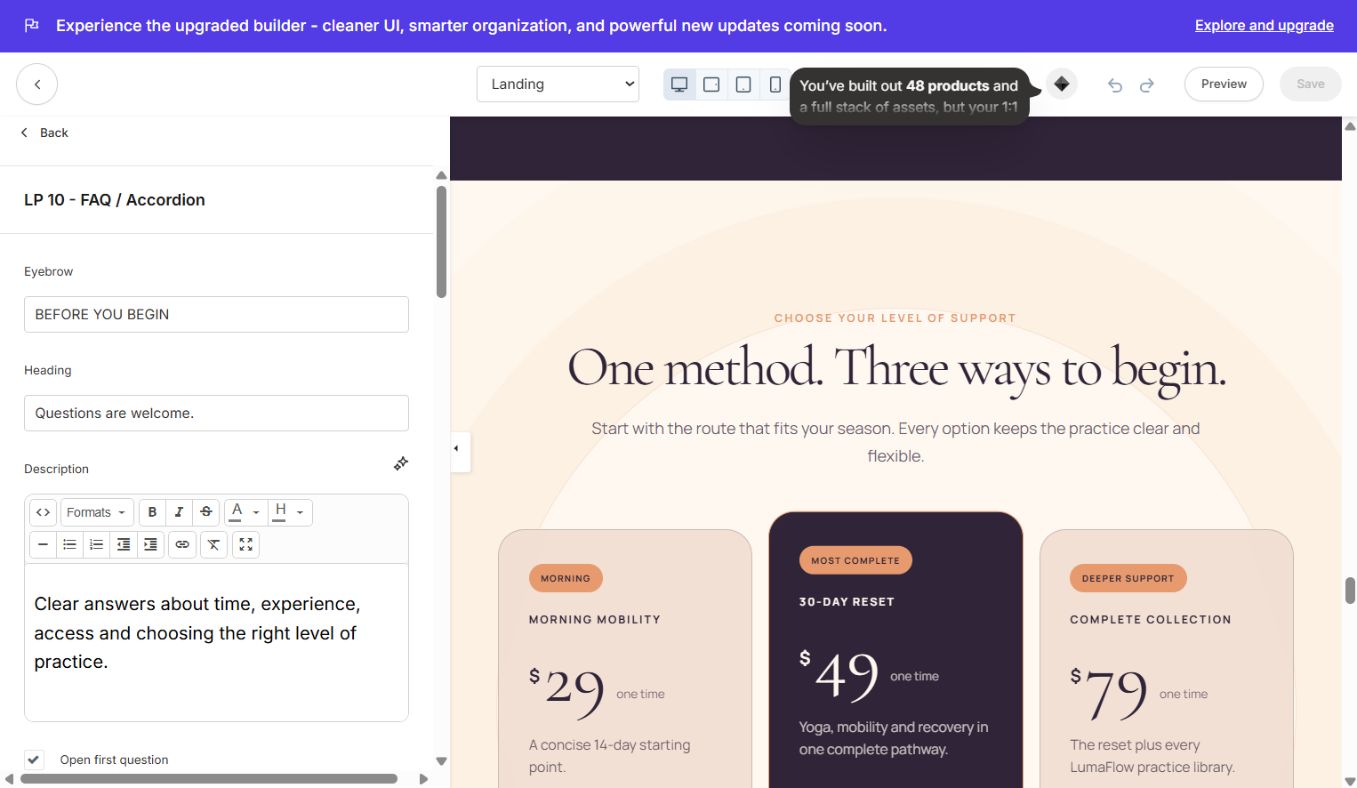
#### LP 10 — FAQ / Accordion
Accessible accordion with editable question/answer blocks.
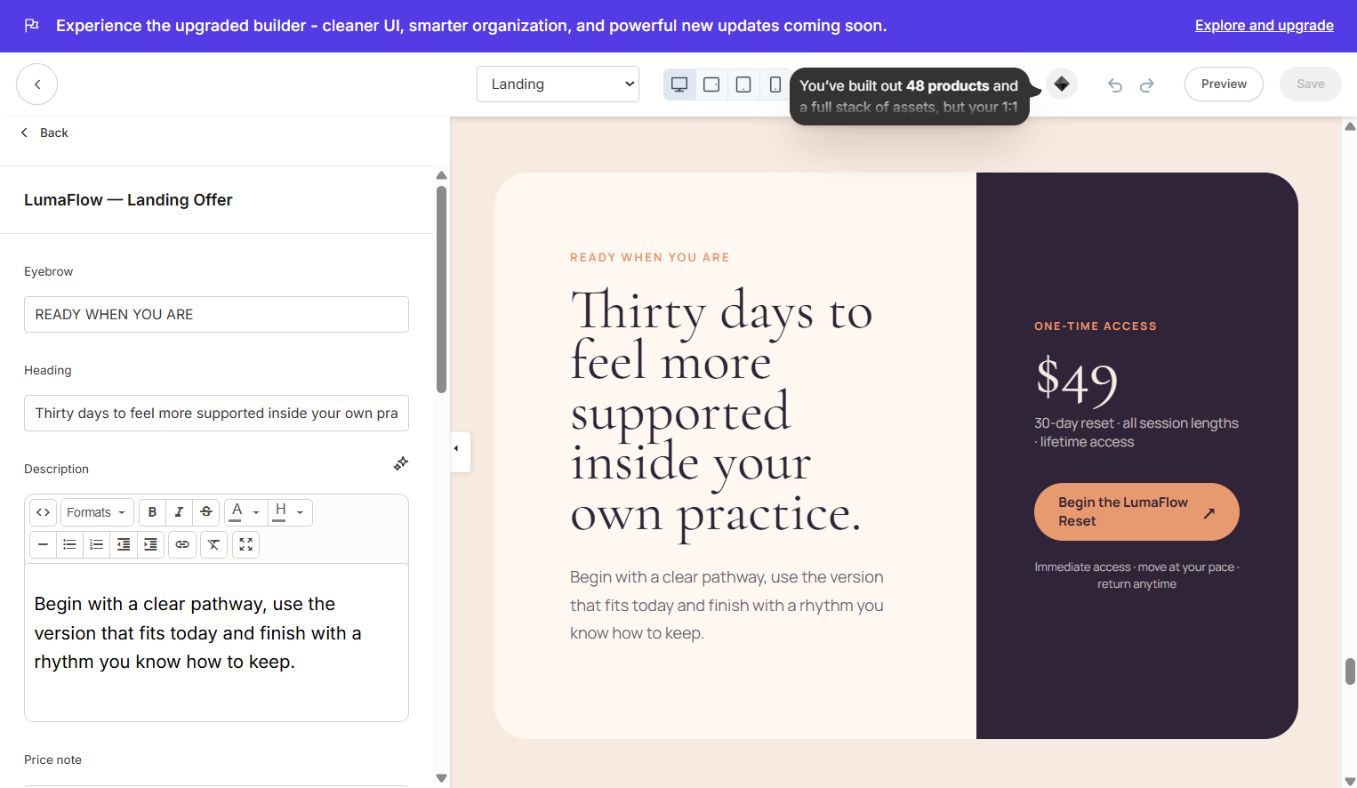
#### LumaFlow — Landing Offer
Final conversion panel with offer details, CTA and supporting reassurance.
Forms and lead capture
Demo form fields can be visible in preview even when no Kajabi form is connected. For every contact/newsletter section:
- 1Open the section.
- 2Select an existing Kajabi Form from the Form setting.
- 3Set button text and optional thank-you URL.
- 4Save and submit a real test entry.
- 5Confirm the contact appears under Contacts and that any automation/email connected to the form runs.
Menus, buttons and offers
- Create or review Kajabi menus under Website → Navigation.
- Select the correct menu in Header settings.
- Replace every demo
/store,/about,/contactand#offerlink as required. - For purchases, paste the actual Kajabi Offer checkout URL or choose the relevant page/offer in the editor.
- Test logged-in and logged-out header states.
Images and accessibility
- Replace images in section settings; do not rename files inside the ZIP.
- Keep meaningful image alt text.
- Recommended hero/card images: WebP or optimized JPG, generally below 500 KB each.
- The slider/testimonial controls include accessibility labels.
- Animations respect the visitor's reduced-motion preference.
- Check contrast after changing brand colors.
Troubleshooting
- Theme is uploaded but not visible: it appears under Saved Templates until you choose Set to live template.
- Wrong theme preview: confirm the card says
Luma Flow Kajabi Site Theme / LumaFlow Site 1.0.0. - Form does not submit: select a real Kajabi form in the section settings.
- Button goes nowhere: replace demo/hash links with a page, Offer or checkout URL.
- Blog cards look empty: publish at least one Kajabi blog post with a title, excerpt and image.
- Library progress is empty: test with a member who owns products and has lesson progress.
- Continue section is hidden: this is expected for first-time members with no progress.
- Social icons do not open your accounts: replace all four sample social URLs in Site Footer.
- Typography did not change everywhere: use Settings → Style Guide, save, then refresh preview.
- Page appears cached: save, wait briefly and open Preview in a new tab.
Pre-launch QA
- Logo, favicon, menu and social links are updated.
- Global fonts/colors and mobile sizes are correct.
- All demo text/images are replaced where needed.
- Every CTA has a valid destination.
- Forms submit and automations run.
- Store offers/checkouts work.
- Blog, search, library, login, password recovery, 404 and Thank You are tested.
- Desktop, tablet and mobile layouts are reviewed.
- SEO title, description and sharing image are set on important pages.
- Theme is activated only after the final preview passes.
Continue learning
Ready to build your CineFlow site?
Keep this guide open while you customize, and contact support if you get stuck.